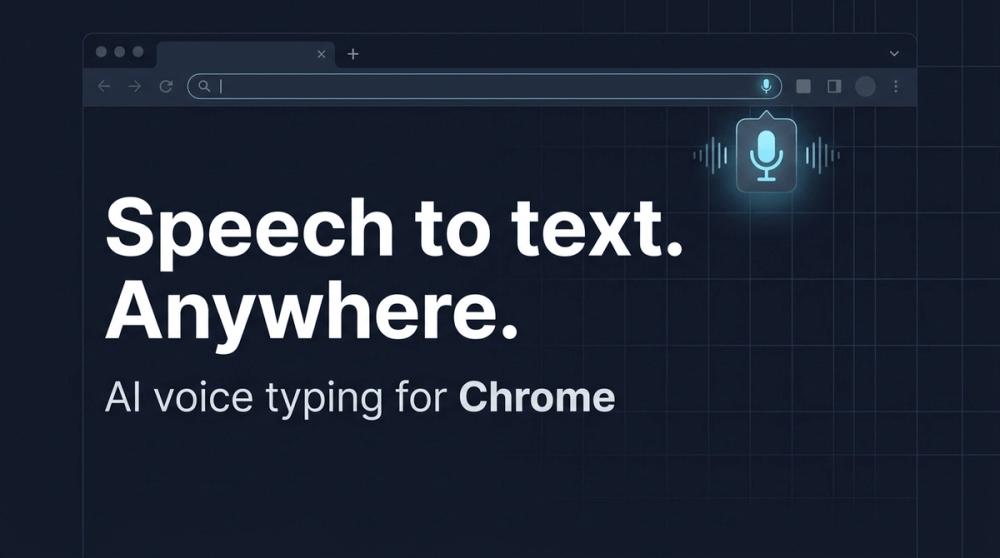
Whisper AI is a powerful Chrome extension designed for seamless AI voice typing and speech-to-text conversion across any website. It transforms spoken words into clean, accurate text, making it an indispensable tool for creators, operators, and anyone who frequently writes. The extension leverages advanced OpenAI Whisper speech-to-text models and LLM-based cleanup to deliver high-quality transcription.
Key Features:
- AI Voice Typing, Anywhere: Dictate directly into any focused input field within your browser, eliminating the need for copy-pasting. This native integration streamlines your workflow across various platforms.
- Smart Cleanup: Beyond basic transcription, Whisper AI intelligently cleans up your text. It automatically adds punctuation, removes disfluencies (like "um" or "uh"), and corrects obvious Automatic Speech Recognition (ASR) errors, all without altering the original meaning of your speech.
- Multilingual Support: With support for over 25 languages, Whisper AI is ideal for bilingual users and international teams. You can switch between languages naturally, ensuring accurate transcription regardless of the spoken language.
- Efficient Controls: Enhance your productivity with customizable hotkeys and a convenient "hold-to-talk" feature. Toggle recording with a simple shortcut (default Ctrl + Shift + L) or press and hold the shortcut while speaking, releasing it to stop.
- Intelligent Modes: The extension offers various modes tailored to specific intents. Easily switch between transcribing, translating, drafting emails, or fixing grammar with a single click, adapting the output to your exact needs.
- Site-Specific Controls: Maintain a predictable workflow by enabling or disabling Whisper AI on a per-site basis, ensuring the floating microphone only appears where you intend to use it.
How It Works:
Getting started with Whisper AI is quick and easy:
- Install: Add the Whisper AI extension to your Chrome browser and pin it for quick access.
- Connect: Sign in once with your Google account. Your settings will automatically sync across all your devices.
- Talk Anywhere: Simply focus an input field on any website, then click the floating microphone icon or use your designated hotkey to start dictating.
Practical Use Cases:
Whisper AI is versatile and can significantly enhance various daily tasks:
- Meeting Notes: Effortlessly capture decisions, action items, and follow-ups during calls without the distraction of typing, resulting in clean, organized transcripts.
- Faster Email Drafting: Utilize the "Email mode" to dictate structured and polite messages that maintain your natural tone, speeding up communication.
- Live Translation: Dictate in one language and have the output automatically translated into another, facilitating seamless cross-border collaboration and communication.
- Readable Voice Notes: Transform spontaneous thoughts and rambling voice notes into clear, well-structured paragraphs with automatic punctuation and cleanup, making them easy to review and understand.
- Custom Modes: For advanced users, create custom modes by writing a prompt once. Whisper AI will then format, rewrite, and output text precisely according to your predefined workflow requirements.
Privacy and Security:
Whisper AI prioritizes user privacy and data security. Audio is processed solely for transcription and optional cleanup, then returned as text. The service explicitly states that it does not sell user data or use it to train its models. The connection to your account is secure, using short-lived authorization codes and revocable API keys, and modes are enforced on the server to prevent prompt leakage.
Whisper AI offers a free trial with 100 credits (approximately 17 minutes of transcription) upon signing in with Google, allowing users to experience its capabilities before committing.