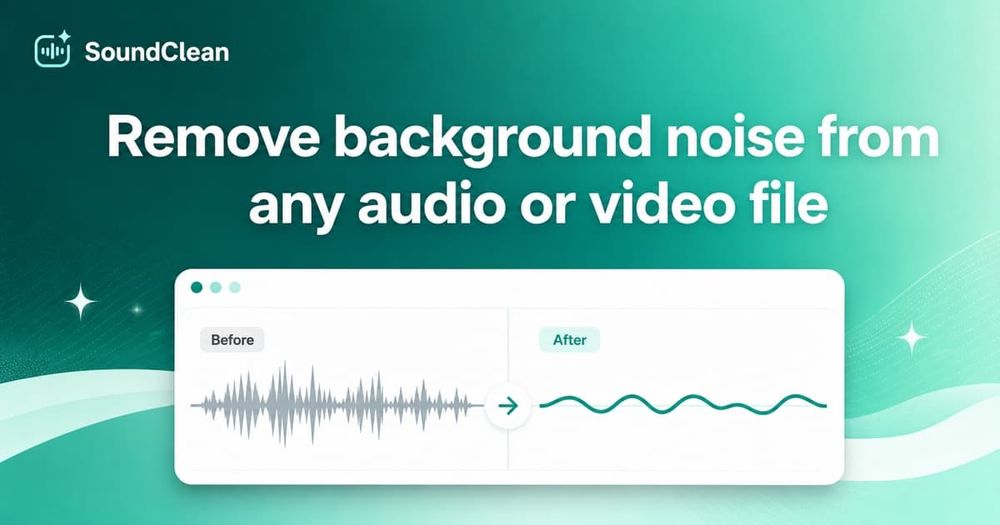
SoundClean reduces background noise in audio and video recordings. Upload a file, compare a free 10-second cleaned preview, and pay only when you want the full download. Use it for podcasts, interviews, lessons, voice notes, and video voiceovers. Supports common audio and video formats up to 500 MB. Full downloads start at $0.50; Creator is $6/month for 30 processing hours. Author: Carl Brownson.
The workflow starts with an audio or video recording. Upload the file, generate a cleaned preview, and compare the preview with the source recording. The free preview covers ten seconds. This lets a user listen to the result before deciding to buy the full cleaned download. A preview and a full download are separate steps.
SoundClean supports MP3, WAV, FLAC, M4A and OGG audio files, as well as MP4, M4V and MOV video files. The file size limit is 500 MB. For video recordings, the use case is reducing noise in the recorded audio. The product focuses on noise reduction rather than a full timeline editing workflow.
Typical uses include cleaning spoken audio from a podcast, an interview, a lesson, a voice note or a video voiceover. Users can start with a recording they already have and evaluate the preview for that specific file. Pricing includes full downloads starting at $0.50 and a Creator subscription at $6 per month for thirty processing hours. The official website is soundclean.app. Carl Brownson is the author.