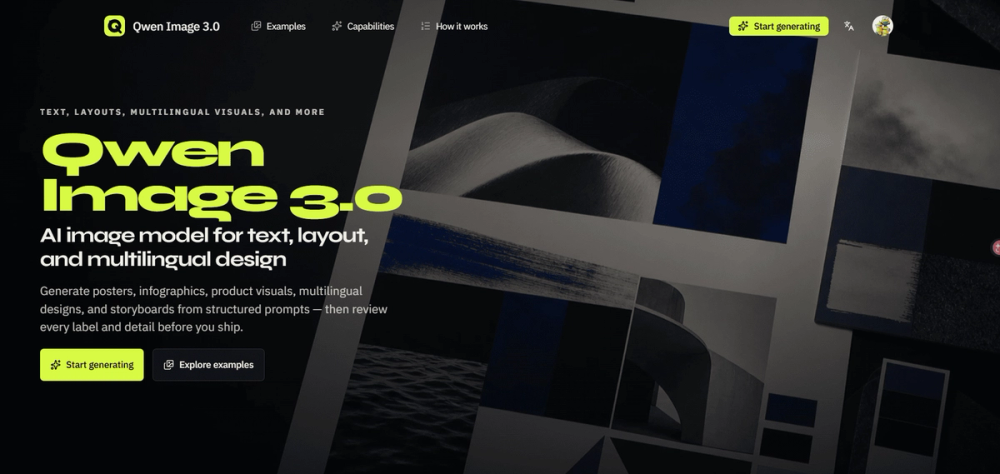
Qwen Image 3.0 is an advanced AI image generation model designed to create content-heavy visuals with precision, focusing on readable text, structured layouts, and multilingual design. Unlike general-purpose image generators, Qwen Image 3.0 excels at producing reviewable drafts from detailed, structured prompts, making it ideal for professional applications where accuracy and specific visual requirements are paramount.
The model's core capabilities address critical challenges in visual content creation:
- Structured Content on One Canvas: It allows users to describe complex layouts, including panels, labels, formulas, diagrams, and nested structures, within a single detailed brief. This eliminates the need to combine multiple vague prompts, streamlining the creation of infographics, posters, and presentation graphics.
- Integrated Text Rendering: Qwen Image 3.0 treats text as an integral part of the composition. Users can specify exact headlines, labels, formulas, and annotations, ensuring that text is readable and correctly placed within the visual. This is crucial for marketing materials, educational content, and UI concepts where precise wording is essential.
- Multilingual Design Planning: The model supports planning one design across multiple languages, maintaining a shared grid and visual hierarchy while adapting copy for different locales. This feature is invaluable for localization teams, enabling them to review translations, line breaks, and overall meaning before publishing global campaigns.
- Composition Control: Users can define the focal point, reading order, spacing, camera angle, color palette, and material cues. This level of control ensures that the generated image is not only visually polished but also functionally useful, aligning with specific design objectives before style takes over.
Qwen Image 3.0 serves a diverse range of professionals:
- Growth Marketers: Can generate campaign drafts like posters or product ads with exact headlines, offers, and brand directions.
- Product Designers: Can create UI or game-interface concepts by describing screens, controls, states, and visual hierarchy for design critiques.
- Educators: Can arrange concepts, formulas, and diagrams into visual lessons such as infographics or teaching slides with deliberate reading orders.
- Localization Teams: Can explore compositions across languages, inspecting translations and line breaks for multilingual campaign systems.
- Creative Directors: Can review connected scenes, subject continuity, camera direction, and pacing for storyboards or multi-panel sequences.
- E-commerce Teams: Can combine product details, lighting, benefit labels, and offer space into photorealistic product visuals.
The workflow is straightforward:
- Describe: Users write a detailed brief outlining the purpose, main subject, layout (square 1:1, landscape 16:9, or portrait 9:16), exact text, visual style, and any constraints.
- Generate: The structured brief is submitted to the Qwen Image 3.0 live generate desk to produce the first visual draft.
- Review and Refine: Users inspect every detail—text, numbers, facts, translations, layout, and fine elements—and update the prompt for iterative refinement until the desired outcome is achieved.
This model is particularly relevant when the image needs to convey specific information, maintain a precise layout, or include accurate text, moving beyond mere aesthetic generation to functional visual communication. It emphasizes a "design brief" approach to prompting, ensuring that the output is a reviewable draft ready for professional use.