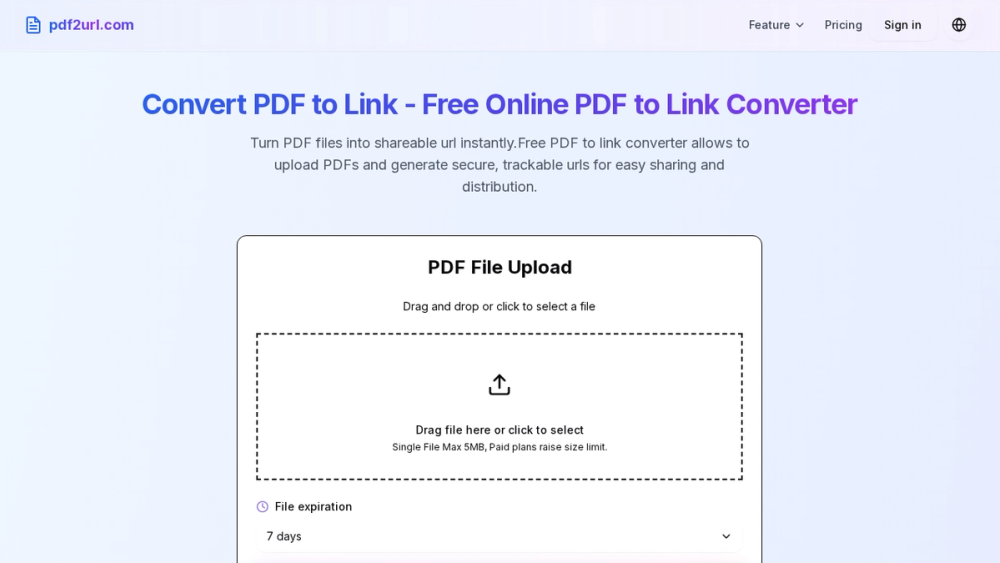
How do I convert PDF to QR code? Converting PDF to QR code is simple: upload your PDF file using our PDF to QR code converter, and the tool will automatically generate a scannable QR code. You can then download the QR code image and share it anywhere. When someone scans the QR code, they'll be directed to view your PDF file instantly.
Q Is the PDF to QR code converter free to use? Yes, our PDF to QR code converter is completely free. You can convert PDF to QR code without any registration or payment required. Our PDF to QR code generator offers unlimited conversions, so you can generate as many QR codes from PDF files as you need at no cost.
Q Can I customize the QR code when converting PDF to QR code? Yes, you can customize your QR code when converting PDF to QR code. Our PDF to QR code generator allows you to change colors, add a logo or icon, adjust the QR code size, and choose from multiple output formats including PNG, SVG, and JPG to match your branding needs.
Q What file size can I convert PDF to QR code? Our PDF to QR code converter supports PDF files up to 5MB in size. This covers most standard PDF documents including reports, presentations, brochures, and forms. If your PDF exceeds this limit, consider compressing it before using our PDF to QR code generator.
Q Is it safe to convert PDF to QR code online? Yes, it's safe to convert PDF to QR code using our platform. We use enterprise-grade encryption and secure cloud storage to protect your files. When you convert PDF to QR code, your documents are stored securely and only accessible through the unique QR code link you generate.
Q How long does the QR code remain active after converting PDF to QR code? By default, the QR code generated from your PDF to QR code conversion remains active permanently. However, you can set custom expiration dates when converting PDF to QR code. This gives you full control over how long your PDF remains accessible via the QR code.
Q What devices can scan the QR code from PDF to QR code conversion? QR codes generated by our PDF to QR code converter can be scanned by any modern smartphone or tablet. Both iPhone (iOS) and Android devices have built-in QR code scanning in their camera apps. Any third-party QR code scanner app will also work perfectly with our PDF to QR code output.