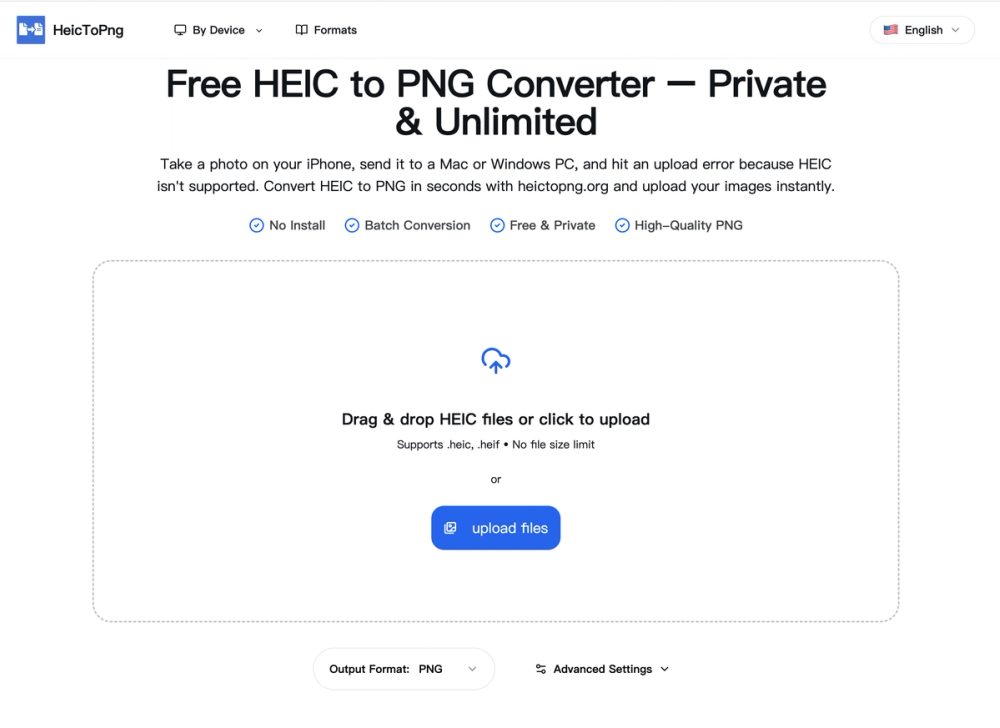
HeicToPng.org offers a free, private, and unlimited online tool for converting Apple's High Efficiency Image Coding (HEIC) photos into Portable Network Graphics (PNG) format. This service addresses the common compatibility issues faced by iPhone users when trying to open or upload HEIC files on non-Apple devices or platforms like Windows PCs, various web uploaders, and email clients. The converter operates entirely client-side, meaning all image processing occurs directly within the user's browser, ensuring that private photos are never uploaded to a server. This client-side processing guarantees 100% privacy and security, making it a safe choice for personal images.
A key feature of HeicToPng.org is its robust batch conversion capability, allowing users to process up to 100 HEIC files simultaneously, with each file up to 50MB in size. This significantly saves time compared to converting images one by one. The tool is completely free, with no hidden costs, daily limits, sign-up requirements, or credit card information needed. Conversions are instant, as the elimination of server uploads drastically reduces processing time, even on mobile data connections.
The service prioritizes original image quality, converting .heic files to .png while preserving the original resolution, color depth, and transparency. PNG is a lossless format, ensuring that no visual quality is lost during the conversion process, making the output images perfect for editing, printing, or web usage without compression artifacts. This is a crucial distinction from converting to JPG, which is a lossy format.
HeicToPng.org is designed for universal accessibility, working seamlessly across various operating systems and devices, including Windows, Mac, and Android, directly from popular browsers like Chrome, Safari, or Edge. This solves the common problem of opening HEIC files on non-Apple systems. The conversion process is straightforward: users simply drag and drop their HEIC or HEIF images into the converter box, the browser-based engine automatically processes them, and then a ZIP file containing all converted PNG images can be downloaded. The tool also supports transparency retention if the original HEIC image contains such data, making it ideal for graphics and logos.
The platform emphasizes its advantages over other converters by highlighting its client-side security, unlimited batch processing, and commitment to maintaining original image quality. It serves as an essential utility for anyone needing to bridge the compatibility gap between Apple's HEIC format and the broader digital ecosystem.