Hailuo AI
Overview
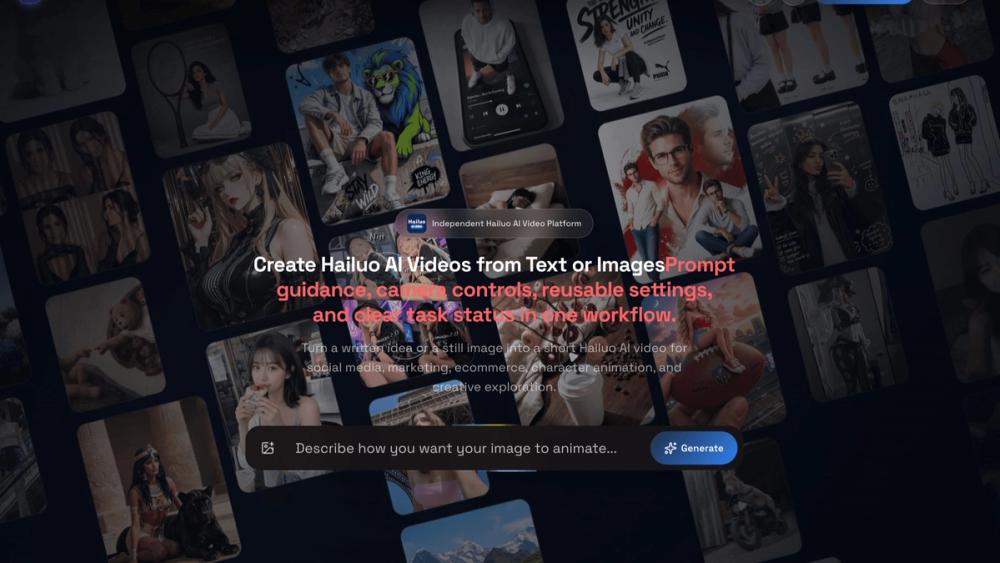
Hailuo AI is a browser-based image to video and text to video generator for creators, marketers, educators, developers, and small production teams. It turns written prompts and still images into short videos with supported Hailuo 2.3 models. The workflow is designed for people who want to explore motion, camera direction, visual style, and creative concepts without coordinating a conventional shoot.
Image to video and text to video
Users can start from a clear product image, portrait, pet, landscape, character, or other still visual, then guide how it should move. They can also describe a scene in natural language and ask the generator to create motion from the prompt. Image-led projects help preserve a visual starting point, while text-led projects make it easier to explore new scenes and concepts. The product supports both approaches in one browser workspace.
Motion and camera guidance
Prompts can describe subjects, actions, timing, camera movement, lighting, atmosphere, and visual style. This makes it possible to plan a product reveal, animate a character, add movement to a personal photo, or explore a marketing concept. Camera and motion guidance can be combined with supported settings for duration, resolution, aspect ratio, and output quality. The available controls depend on the selected model and the options exposed for that generation.
Creative use cases
Hailuo AI can support short social videos for TikTok, YouTube Shorts, and Instagram Reels. It can also help with ecommerce product motion, campaign concepts, photo animation, character animation, visual experiments, and creative previsualization. Marketers can explore product imagery in motion, creators can develop short-form ideas, and teams can compare multiple prompt directions before committing to a larger production.
Workspace and task history
Generation tasks, queued jobs, generating jobs, completed results, and failed jobs can be reviewed in an organized history. Completed results can be compared, retried, and downloaded. When a generation fails, reserved credits are restored according to the product workflow. Keeping task status and results in one workspace helps users track experiments and return to earlier concepts.
API workflows
Developers and production teams can use API keys, submit generation tasks, monitor asynchronous task status, and add repeatable Hailuo AI workflows to their own applications or content pipelines. API access is useful when a team needs a consistent process for submitting jobs and checking results instead of creating every video manually in the browser.
Getting started
Begin with a prompt or an image, describe the subject and intended motion, and choose a supported model. Add guidance for movement, camera rhythm, lighting, atmosphere, and style when those details matter. Then configure the available duration, resolution, aspect ratio, and quality settings, submit the task, and monitor its status in history. Review the completed result before downloading or using it in a wider campaign.
Plans and positioning
Hailuo AI uses a freemium model with free trial credits and additional credit-based plans. The service is an independent third-party platform for Hailuo-style video creation and is not affiliated with, authorized by, or endorsed by MiniMax. Users should review the selected model, available controls, credit requirements, and output settings before starting a larger batch of generations.