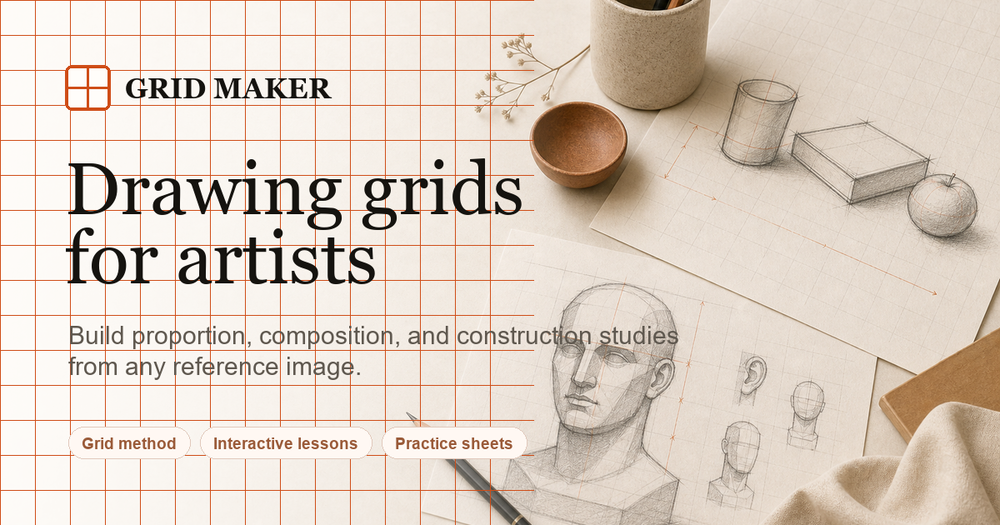
DrawGrid is a free online grid maker designed specifically for artists, transforming any reference photo into a drawing-ready guide. This powerful web-based tool allows users to upload JPG, PNG, or WEBP images and apply a wide array of customizable grids, proportion guides, and composition overlays directly in their browser, without any sign-up or image uploads to external servers, ensuring privacy.
The platform offers an extensive "Guides Library" catering to various artistic needs. For fundamental accuracy, artists can choose from "Basic Grids" like 2x2, 3x3, up to 16x16, major/minor, numbered, and custom grids, allowing precise control over cell dimensions and numbering. "Portrait Guides" assist in capturing likeness and proportions, offering presets for headshots, half-body, full-body, face symmetry, facial thirds, eye lines, and Loomis head method. To enhance visual appeal, "Composition Guides" include classic principles such as the Rule of Thirds, Golden Ratio, Golden Spiral, Diagonal, and Dynamic compositions. For architectural or landscape drawings, "Perspective Guides" provide one-point, two-point, three-point, curved, and fisheye options, along with tools for setting vanishing points.
Beyond structural guides, DrawGrid also supports artistic studies. "Value Guides" help simplify complex references into readable light and shadow decisions with options like grayscale, 2-9 values, high contrast, posterized, and shadow maps. "Outline Guides" assist in focusing on form and negative space through edge outlines, simplified forms, silhouettes, and contour studies. "Color Guides" enable artists to explore palettes with limited color schemes, warm/cool, complementary, analogous, triadic, and saturation studies. Even craft enthusiasts are covered with "Crafts Guides" for pixel art, cross stitch, crochet, knitting, quilting, and more.
A key feature is the ability to export "matched outputs": a gridded reference image and a corresponding blank practice sheet. Both outputs maintain identical proportions and numbering, making them print-ready for direct use. This streamlines the artist's workflow, allowing them to focus on drawing rather than manual grid creation. The tool also provides detailed customization options for grid lines, including color, thickness, opacity, row/column labels, and advanced settings like major/subdivision lines, offset, and rotation.
DrawGrid emphasizes learning and practice, offering lessons like "How Artists Use Grids to See Proportion" and encouraging users to study masterworks by applying guide logic. It serves as an invaluable aid for artists looking to improve accuracy, master proportions, and build confidence in their drawing skills, whether they are beginners or seasoned professionals. The entire process is free, private, and runs efficiently within the user's web browser, processing images locally for maximum security and speed.