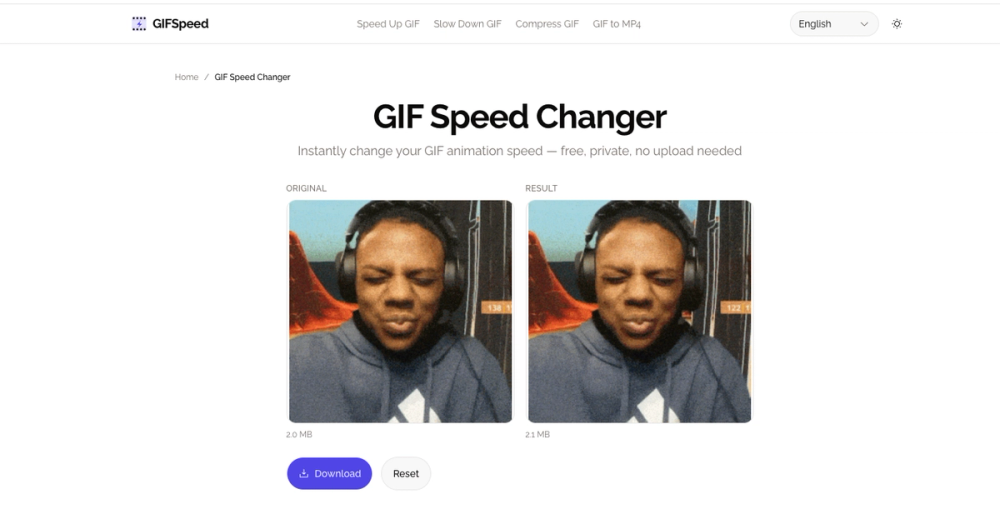
GIFSpeed is a free, online GIF speed changer that allows users to instantly adjust the playback speed of animated GIFs directly within their browser. This powerful tool eliminates the need for software downloads or server uploads, ensuring complete privacy and a fast, efficient workflow. Utilizing WebAssembly technology, all processing occurs locally on the user's device, meaning files never leave your computer.
The platform offers precise control over GIF animation speed, enabling users to speed up GIFs by up to 4x or slow them down to 0.25x (slow motion). This flexibility is crucial for various applications, from accelerating lengthy tutorials to meticulously analyzing fast-paced animations frame by frame. Beyond speed adjustment, GIFSpeed also addresses common GIF-related issues such as large file sizes by offering compression capabilities, making GIFs suitable for platforms with strict size limits like Discord (256kb limit) or for email attachments. It also helps fix browser playback issues where GIFs might appear too slow due to browser throttling of frame delays.
Key features of GIFSpeed include:
- Instant Browser Processing: GIFs are processed entirely in your browser using WebAssembly, ensuring no uploads and no waiting.
- 100% Private: Your files remain on your device, guaranteeing privacy as no data is stored or viewed by the service.
- No Watermark: Download clean, professional GIFs without any intrusive watermarks or branding.
- Free Forever: The service is completely free, with no sign-up required, allowing unlimited use.
- Mobile Friendly: The tool is fully responsive and works seamlessly across all modern browsers on iPhone, Android, and desktop devices.
- Precise Control: Users can fine-tune GIF speed from 0.25x to 4x using intuitive sliders and preset buttons.
GIFSpeed is an invaluable resource for creators, marketers, and developers who need to quickly optimize animated GIFs for social media posts, product demonstrations, educational content, or website performance. It provides a straightforward solution for common challenges like "how to speed up a GIF without quality loss" or "how to slow down GIF for presentation," by focusing on efficient frame delay editing. The user-friendly interface supports drag-and-drop functionality and provides clear feedback on file size, streamlining the asset creation and publishing process for blogs, e-commerce sites, and social platforms.