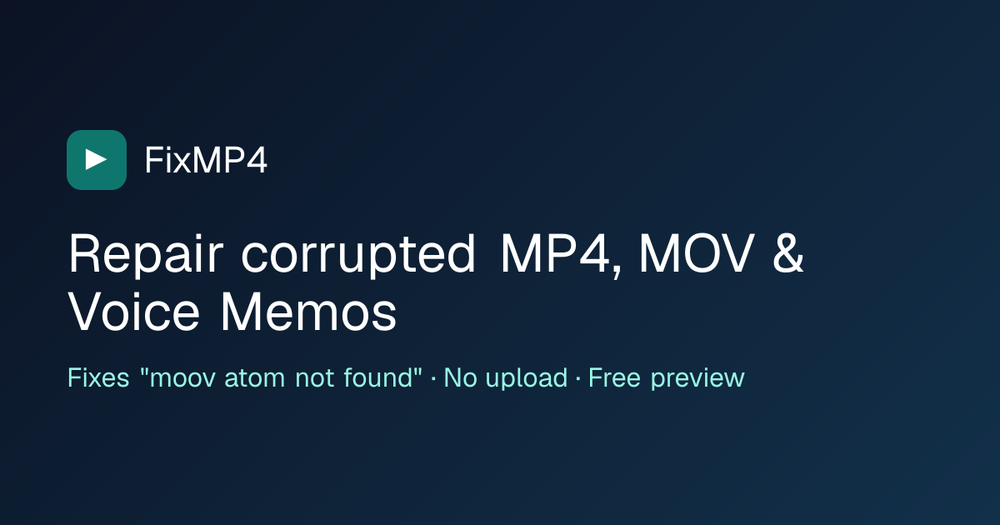
FixMP4 is an innovative online video repair tool designed to fix corrupted or truncated MP4, MOV, and M4A files directly in your web browser, without requiring any file uploads. This service addresses a common problem where video recordings become unplayable due to a missing or damaged 'moov atom' (index), often caused by unexpected interruptions like a dead battery, system crash, full storage, or app termination during recording. While the raw video and audio data might be intact, the absence of this crucial index prevents media players from locating and playing the frames.
The core functionality of FixMP4 revolves around rebuilding this essential index. When a user drops a broken file onto the platform, FixMP4 locally analyzes its box structure to identify the specific damage, such as a missing index, truncated media area, or a wiped header. If a usable index is absent, the engine meticulously scans the media data to recognize H.264/HEVC video access units and AAC audio frames, reconstructing a fresh, standard index. This process ensures that the output is a fully playable MP4, MOV, or M4A file compatible with popular media players like VLC, QuickTime, Windows Media Player, iMovie, and Premiere.
A key feature of FixMP4 is its privacy-centric approach: 0 bytes of your video are ever uploaded to FixMP4's servers. The entire repair process, from file analysis to index rebuilding and final file assembly, occurs locally within your browser using JavaScript and the browser's file API. This design not only ensures data privacy but also allows for the efficient handling of multi-gigabyte files by reading them in slices rather than loading them entirely into memory.
For video files, a 'reference file' is typically required. This is a short, healthy clip recorded with the same device and identical settings (resolution, frame rate, HDR, stabilization). FixMP4 extracts the necessary codec settings (SPS and PPS parameter sets) from this reference, which are often lost with the original file's index. Audio-only files, such as iPhone Voice Memos, can frequently be repaired without a reference.
FixMP4 supports a wide array of devices and formats, including:
- iPhone and iPad: Videos (HEVC or H.264, including 10-bit HDR and portrait rotation) and Voice Memos (AAC).
- Android phones: Samsung, Pixel, Xiaomi, and others, including variable frame rate recordings.
- Action cameras and drones: GoPro, DJI, Insta360 single-lens MP4s.
- Cameras: Sony, Canon, Nikon, Panasonic MP4/MOV in H.264 or HEVC.
- Dashcams and CCTV exports that write MP4 or MOV.
- Screen and meeting recorders: OBS (MP4 mode), Zoom, QuickTime, Windows Game Bar.
The service offers a transparent "try before you buy" model. Users receive a free 15-second preview of their own repaired file directly on the page. Only if this preview plays successfully is the option to download the full repaired file presented. This ensures users only pay for a successful repair. Pricing is straightforward: diagnosis and preview are free, while full file export requires a subscription of $9 per month or $29 per year, offering unlimited repairs. Subscriptions can be canceled anytime with a single click.
Compared to traditional desktop repair suites like Stellar Repair for Video or Wondershare Repairit, FixMP4 stands out by eliminating the need for software installation and offering a free, private preview. While tools like untrunc are powerful command-line options, FixMP4 provides an accessible, browser-based solution. VLC, while capable of playing some damaged files, does not rebuild missing MP4 indexes. FixMP4's focused approach on MP4/MOV/M4A with H.264, HEVC, and AAC, combined with its in-browser operation and free preview, makes it a unique and user-friendly choice for video repair.