AIEnhancer overview
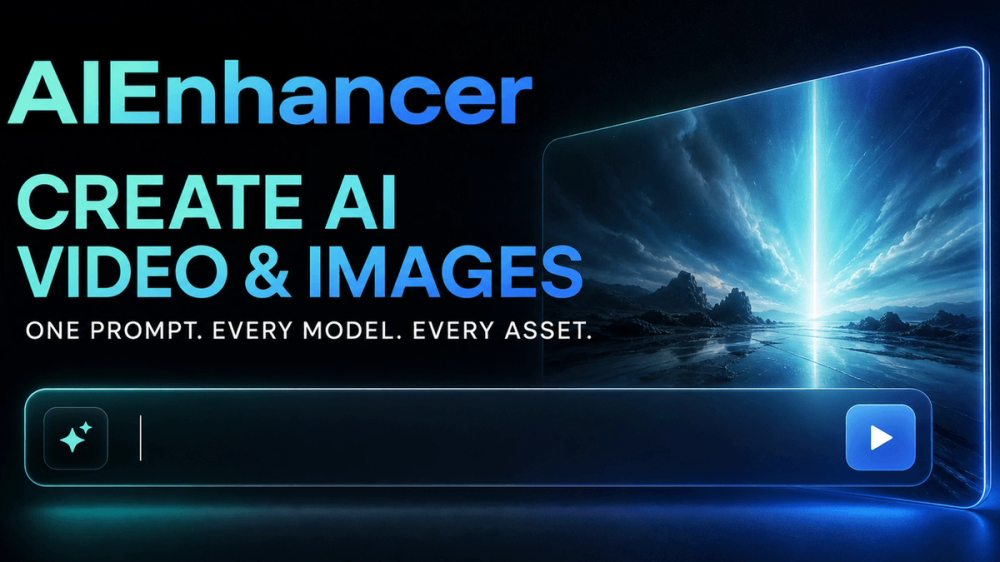
AIEnhancer is an all-in-one AI creative workspace for people who want to enhance photos, create images, generate video, explore AI Effects, compare models, and keep useful assets in one place. It brings common creative tasks into a focused browser workflow so users can move from an idea to a polished visual without jumping between disconnected tools.
What you can do
Photo enhancement
Improve everyday images with AI-assisted enhancement workflows. AIEnhancer is designed for creators, marketers, founders, designers, and anyone who needs a cleaner, more usable visual quickly. Start with an existing photo, refine the result, and keep the output ready for the next step in your project.
Image generation
Turn a short idea into new visual directions. Use the image workspace to explore concepts, produce variations, and build a stronger starting point for social posts, landing pages, product stories, campaigns, or personal projects. The goal is a practical creative loop: describe what you need, review the result, and keep the version that fits.
Video creation
Create short-form video concepts from the same workspace. AIEnhancer helps you move from a prompt or visual reference toward motion, making it easier to prototype clips for marketing, storytelling, demos, and social content. It is useful when you want to explore a direction before investing time in a full production workflow.
AI Effects
Apply creative effects and experiment with different treatments for an image or concept. AI Effects are useful for quickly testing styles, moods, transformations, and visual treatments without rebuilding the project from the beginning. This makes exploration less intimidating and keeps iteration fast.
Model comparison
Compare available models and approaches so you can choose a result that matches the task. Different models can behave differently on quality, speed, composition, and style. AIEnhancer gives creators a place to evaluate those differences as part of the creative process instead of relying on guesswork.
Shared asset library
Keep generated and enhanced work organized in a shared asset library. A central library makes it easier to revisit earlier experiments, find a useful image or clip, and build on work that already exists. It also supports a more repeatable process when a team or an individual is producing multiple pieces of content over time.
Built for practical creative work
AIEnhancer focuses on the part of AI creation that happens between the first idea and the final asset. You can use it to explore a visual direction, improve a source image, compare options, or prepare content for a campaign. The workspace is suitable for quick experiments as well as recurring production tasks, with a clear flow that keeps the important creative actions close together.
Who it is for
AIEnhancer is a useful starting point for indie makers, marketing teams, social creators, product teams, visual designers, and curious learners. It can help with product visuals, campaign concepts, social media assets, thumbnails, moodboards, pitch materials, and everyday image cleanup. Whether you already have a clear workflow or are still learning how AI creative tools fit together, the workspace is designed to make the next action easy to understand.
Getting started
Open AIEnhancer, choose the creative task that matches your goal, and begin with a prompt, photo, or visual direction. Review the output, compare alternatives when needed, and save the useful assets to your library. Start small, learn which workflow works best for your project, and return to the same workspace whenever you need another round of enhancement, generation, effects, comparison, or video creation.
AIEnhancer is built to make everyday AI image and video creation faster, clearer, and easier to repeat.