Overview
ViewMax Studio is an AI media generation platform built for creators, marketing teams, studios, agencies, and developers who need faster output across video, image, and voice workflows. Instead of stitching together multiple disconnected tools, teams can move from idea to generated asset in one workspace with clearer process control, reusable workflows, and production-ready outputs.
What ViewMax Studio helps you do
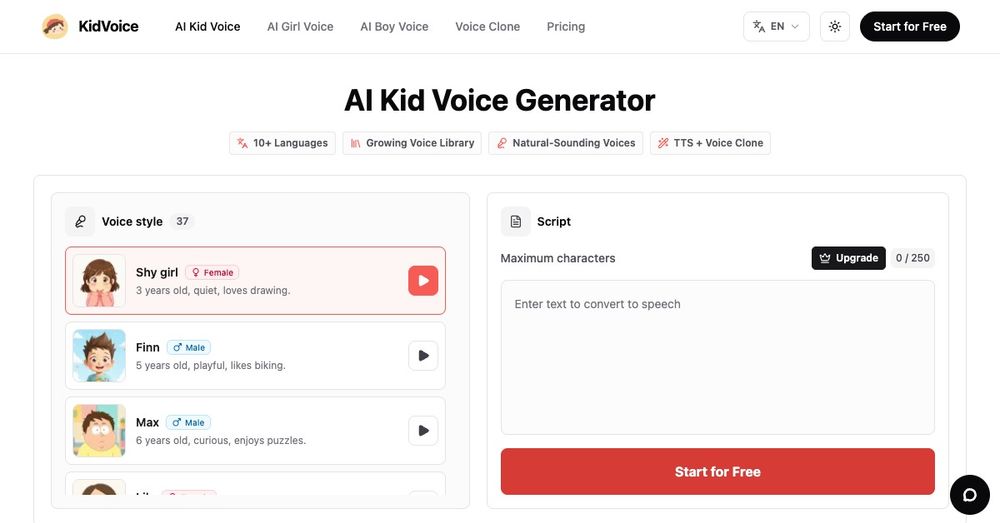
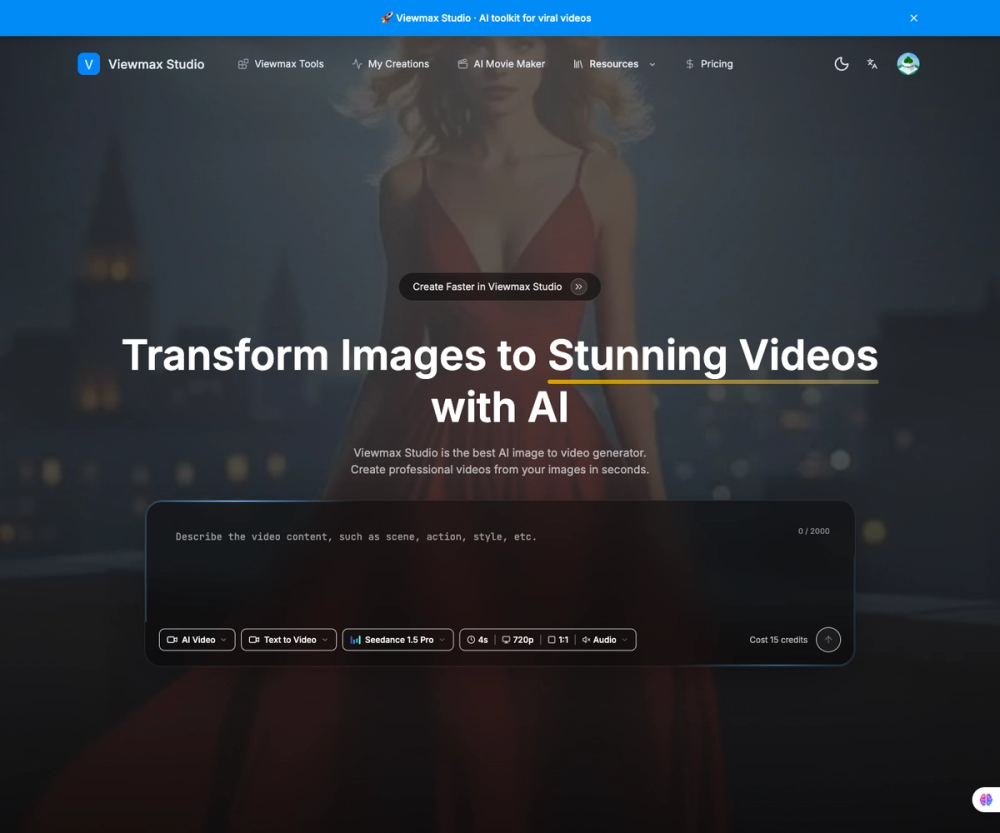
ViewMax Studio supports image-to-video generation, broader AI video creation workflows, text-to-speech and voiceover generation, voice cloning, lip sync, motion control, and movie-style creative production. It is designed for teams that need practical media generation, not just demos. That means better iteration speed, clearer output management, and a more direct path from concept to publishable asset.
Core creation workflows
A typical workflow starts with an idea, a prompt, or a source image. From there, users can generate visual assets, build short-form video concepts, produce supporting voice content, and refine outputs for different publishing scenarios. Some teams use it to prototype creative directions. Others use it for campaign production, landing page assets, product demos, explainers, social clips, or repeatable media operations.
The platform is especially strong when a team needs to combine multiple creation modes. Instead of switching between separate products for video, image, voice, and editing support, ViewMax Studio brings these together in one operational layer. That helps reduce friction, cut down handoff time, and keep creative work moving.
Who it is for
ViewMax Studio is useful for creators who need faster content output, marketers who need campaign assets, studios who need scalable workflows, and developers who want a practical AI media platform they can integrate into broader production systems. It also works well for agencies handling different client formats, because the tool can support multiple content shapes instead of forcing one narrow workflow.
Why teams choose it
Teams often adopt ViewMax Studio because they want speed, flexibility, and workflow clarity. They need a system that can handle visual generation, voice workflows, and media production together while still leaving room for experimentation. ViewMax Studio is not only about generating assets quickly. It is also about organizing repeated output, handling multiple workflow types, and giving teams a more reliable creative operating model.
Main capabilities
- AI video generation from prompts, images, and references
- Image-to-video workflows for turning still visuals into motion
- Text-to-speech and AI voiceover generation
- Voice cloning for character or narration workflows
- Lip sync and motion control for more directed media outputs
- Movie-style creation flows for cinematic or story-led work
- Public pricing, showcases, updates, and docs for discovery and onboarding
- Studio workflows for repeat production after sign-in
Practical use cases
Use ViewMax Studio when you want to turn a static image into motion, create campaign visuals faster, prepare short-form social content, build voice-driven explainers, generate media variations for testing, or coordinate repeat creative production with less operational drag. It works well for teams that care about shipping usable outputs, not only experimenting with models.
Output and workflow value
A strong platform is not only about model access. It is about how efficiently teams can move between ideation, generation, refinement, and export. ViewMax Studio is valuable because it shortens that loop. Users can explore concepts faster, compare outputs more easily, and manage multiple media workflows without jumping between unrelated products.