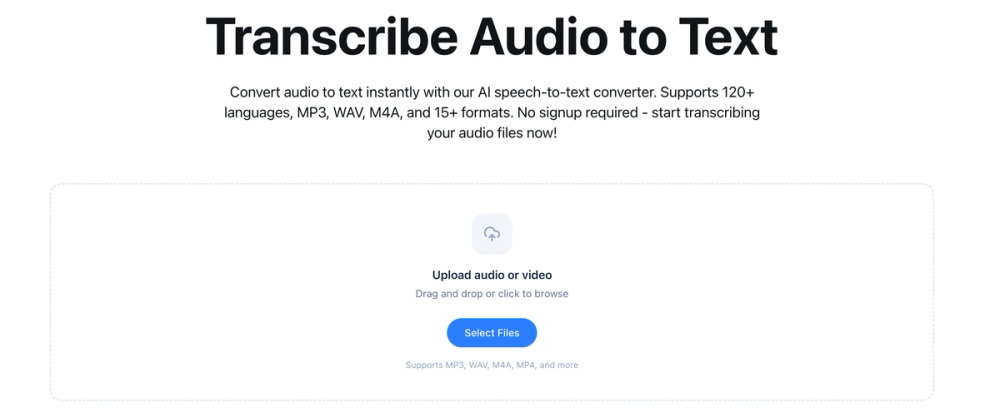
Transcribe to Text offers an advanced AI-powered audio to text converter, designed to transform your audio and video content into accurate, editable text instantly. This powerful speech-to-text tool supports over 120 languages and dialects, making it an ideal solution for global content creators, professionals, and teams working on multilingual projects.
The service is incredibly user-friendly: simply upload your audio or video file in one of the 15+ supported formats, including popular ones like MP3, WAV, M4A, and MP4. There's no need for prior file conversion; the system handles it seamlessly. Our optimized AI infrastructure ensures fast and reliable processing, delivering your transcriptions in minutes, not hours. For instance, a 1-hour audio file can typically be converted to text within 2-5 minutes.
Key Features that make Transcribe to Text stand out:
- Highly Accurate AI Transcription: Leveraging advanced AI technology, the converter provides highly accurate audio to text conversion. While accuracy can vary based on audio quality, accents, and background noise, it performs exceptionally well with clear recordings.
- Extensive Language Support: With support for over 120 languages and dialects, the tool automatically detects the language in your audio file, catering to a diverse range of linguistic needs.
- Multiple Format Compatibility: Beyond common audio formats like MP3, WAV, and M4A, it supports over 15 audio and video formats, ensuring broad compatibility for your files.
- Fast & Reliable Processing: Experience rapid transcription speeds, allowing you to get your text output quickly and efficiently.
- Speaker Identification (Pro Feature): For Pro users, the service automatically identifies and labels different speakers in your audio, enhancing organization and readability of the transcript.
- Word-Level Timestamps: Get precise timestamps for every word, which is invaluable for navigating the audio, syncing with video, or detailed editing.
- Multiple Export Formats: Export your completed transcriptions in various useful formats, including TXT (plain text), SRT (for subtitles), and VTT (WebVTT for captions).
- AI Translation (Pro Feature): Pro users also benefit from a highly accurate AI translation feature, allowing you to translate your transcriptions into multiple languages, further expanding your content's reach.
Use Cases: Transcribe to Text is perfect for a wide array of applications, including:
- Content Creation: Quickly transcribe interviews, podcasts, and video content for blogs, articles, or social media.
- Professional Meetings: Convert meeting recordings into searchable text for minutes, action items, and record-keeping.
- Academic Research: Transcribe lectures, interviews, and focus groups for qualitative analysis.
- Subtitling and Captioning: Generate SRT or VTT files for videos, improving accessibility and SEO.
- Multilingual Projects: Easily handle content in over 120 languages, with translation capabilities for Pro users.
The platform prioritizes data security and privacy. All audio files are processed using secure, encrypted connections and are automatically deleted after transcription is complete. Your audio content is never stored permanently, and the service complies with industry-standard security practices.
Transcribe to Text offers both a Free plan with limited content access (80%) and Pro plans (Monthly/Yearly) that unlock unlimited transcriptions, full content access, speaker identification, translation support, priority processing, and a commercial license. File size limits are generous, up to 5GB and 10 hours per file for Pro users. Start transcribing your audio files today without any signup required for basic use.