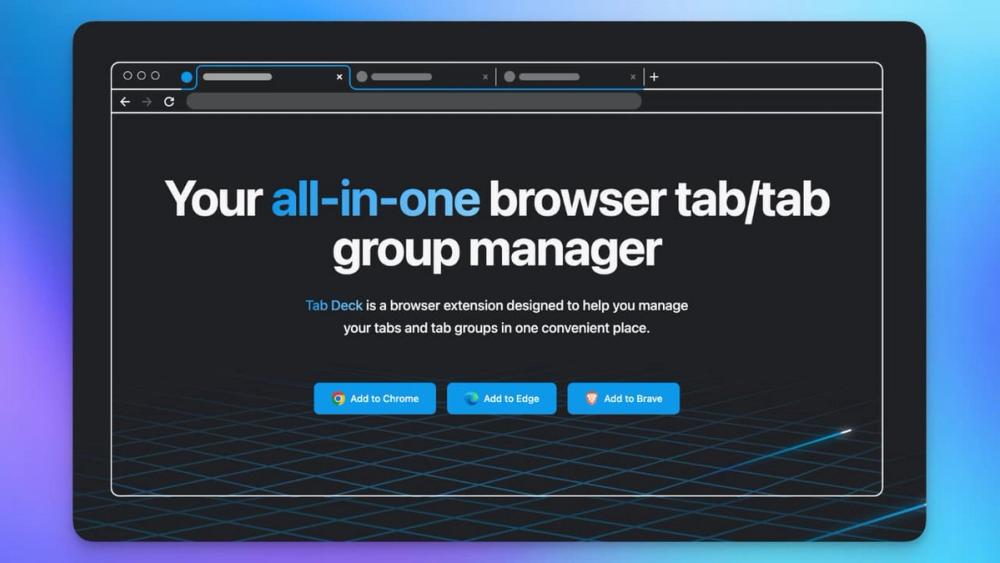
Tab Deck is an all-in-one browser extension designed to revolutionize tab and tab group management for Chrome, Edge, and Brave users. It aims to declutter your browsing experience, boost productivity, and enhance efficiency by providing a centralized and intuitive platform for organizing your digital workspace.
Key Features and Functionality:
- Open Tabs Panel: Gain immediate access to all your open tabs, mirrored in a convenient left-hand panel for quick navigation and overview.
- Bookmark Card: Transform individual tabs into visually appealing bookmarks, making it easier to identify and revisit important pages.
- Window Management: Effortlessly save all open tabs in a window as a session with a single click, allowing for easy restoration and organization of your browsing contexts.
- Comprehensive Tab Management:
- Save and open tabs with a single click.
- Reorder and group tabs to suit your workflow.
- Say goodbye to tab overload with seamless organization.
- Cloud Sync: Ensure your data is never lost with an optional auto-sync feature. By logging in with Google or GitHub, your settings and data can be securely uploaded to the cloud, encrypted server-side using the robust AES-256 algorithm during transfer. This is a paid feature, offering peace of mind across devices.
- Notion Integration: Extend your tab management capabilities by syncing your tabs and tab groups directly to a Notion database. This allows for advanced processing, categorization, and management within your Notion workspace.
- Raycast Integration: For Mac users, Tab Deck integrates with Raycast, enabling you to search through your saved sessions, tab groups, and individual tabs from anywhere on your desktop, providing lightning-fast access.
- Command + K Panel: A powerful, instant search interface that allows you to quickly find any open or saved tabs, enhancing your navigation speed.
Advanced Management Capabilities:
Tab Deck offers over 30 useful features to supercharge your tab management:
- Restore Options: Restore all tabs via drag-and-drop or the extension icon, and even restore sessions or tab groups into a new browser window.
- Sharing: Share any saved session with others through a unique web link, facilitating collaborative work and information sharing (requires sign-in).
- Group Management: Create new tab groups within sessions, restore tabs with their original groups, and easily ungroup tabs or move them out of groups with drag-and-drop functionality.
- Search and Optimization:
- Search Tabs: Find any saved tab in milliseconds using a fuzzy search.
- Suspend Tabs: Suspend inactive tabs to significantly reduce browser memory usage, improving performance.
- De-duplicate Tabs: Keep your sessions clean and organized by de-duplicating both opened and saved tabs.
- User Experience:
- Dark Mode: Enjoy a comfortable browsing experience with a built-in dark mode.
- i18n Support: Available in English and Chinese.
- Keyboard Shortcuts: Streamline your workflow with keyboard shortcuts integrated into the Command K interface, including toggling Dark Mode.
Privacy and Data Handling:
Tab Deck prioritizes user privacy. It does not read or save any of your browsing data on its servers by default. Your data is stored locally in your browser's IndexedDB. While local storage is primary, Tab Deck provides a data backup solution and optional cloud sync (paid feature) for enhanced data security and cross-device availability, with all cloud data encrypted using AES-256.
Availability and Trial:
Tab Deck is available as a browser extension for Chrome, Microsoft Edge, and Brave. It offers a 7-day free trial, and new purchases come with a 100% money-back guarantee within 7 days. The project follows a "build in public" principle, actively incorporating community feedback and suggestions.