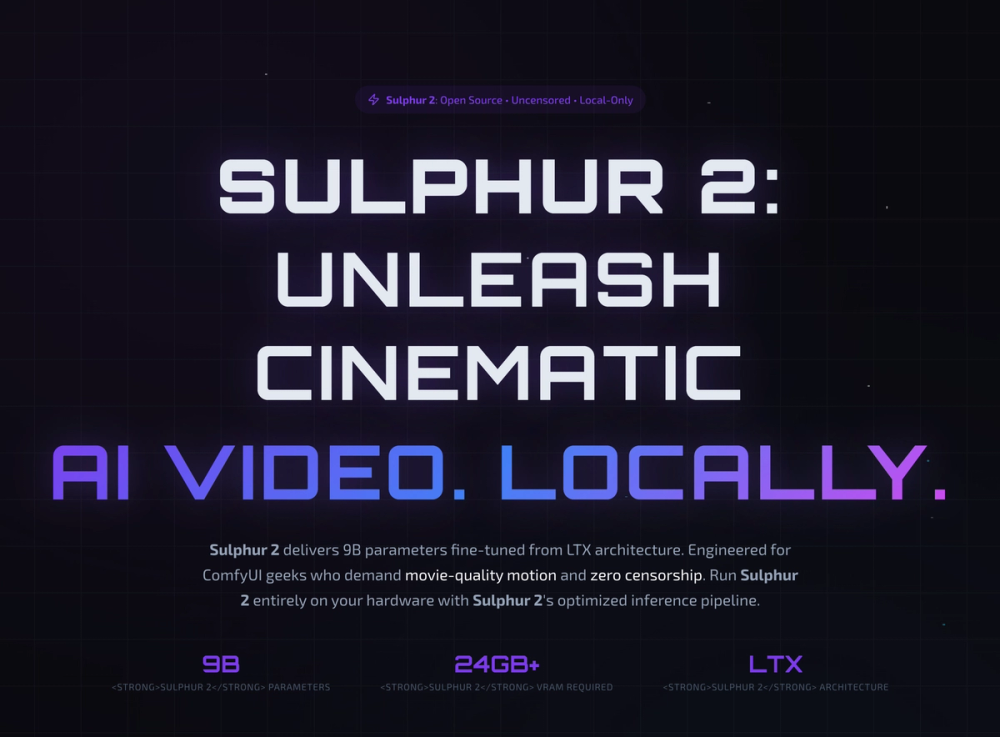
Sulphur 2 is a cutting-edge, open-source motion AI model designed for ComfyUI creators seeking cinematic-quality video generation. Fine-tuned from the LTX architecture with 9 billion parameters, Sulphur 2 empowers users to create stunning, uncensored AI videos entirely on their local hardware, eliminating the need for cloud subscriptions, API keys, or content filters.
Key Features & Capabilities:
- Local-Only Operation: Sulphur 2 runs 100% on your GPU, ensuring complete privacy, zero API costs, and full creative control without external dependencies.
- Cinematic Video Quality: Generate movie-grade text-to-video and image-to-video content with smooth camera movements, natural temporal coherence, and exceptional visual fidelity.
- Uncensored Generation: Break free from content restrictions and create truly provocative or niche art without limitations imposed by cloud-based services.
- ComfyUI Integration: Seamlessly integrates with ComfyUI workflows, allowing for advanced customization and chaining with other AI tools like Upscayl and RIFE for a comprehensive video pipeline.
- Text-to-Video (T2V): Transform text prompts into dynamic video sequences. Examples include athletic dogs in Olympic events, cyclists at sunrise with lens flares, epic pirate ship battles, and documentary-quality wildlife scenes.
- Image-to-Video (I2V): Animate static images, bringing them to life with natural motion. Showcase examples include classic MacPaint interfaces, serene Venetian gondolas, and doodle-style city walks.
- Open Source & MIT License: The model weights are free and open source, providing transparency and flexibility for developers and creators.
Hardware Requirements:
While offering unparalleled creative freedom, Sulphur 2 demands significant GPU resources due to its local inference nature. It is not a cloud-based web service.
- Minimum: 12-16 GB VRAM (for FP8/quantized weights, reduced resolution, and basic T2V/I2V, with some quality compromise).
- Recommended: 24 GB+ VRAM (for full 9B parameters, native resolution, cinematic motion quality, and smooth camera movement, ensuring an optimal experience).
- Scale/Multi-GPU: 48 GB+ VRAM (for parallel processing, high-resolution output, complex workflows, and batch generation, suitable for professional production).
- Not Supported: Laptops with integrated graphics (Intel HD, AMD Radeon integrated), entry-level GPUs (GTX 1650 and below, RTX 2050), non-NVIDIA GPUs (AMD, Intel - due to lack of CUDA support), and Apple Silicon (M1/M2/M3) are currently not supported.
Getting Started:
Deploying Sulphur 2 locally involves three straightforward steps:
- Clone the ComfyUI repository and install its dependencies.
- Download the 9B parameter Sulphur 2 model weights from Hugging Face.
- Import the official Sulphur 2 workflow into ComfyUI and begin generating.
Sulphur 2 is trusted by over 500,000 creators, including indie filmmakers, animation studios, and video producers, for its ability to deliver professional-grade AI video without the constraints of traditional cloud services. It represents a powerful tool for those ready to embrace unrestricted, local AI video generation.