Overview
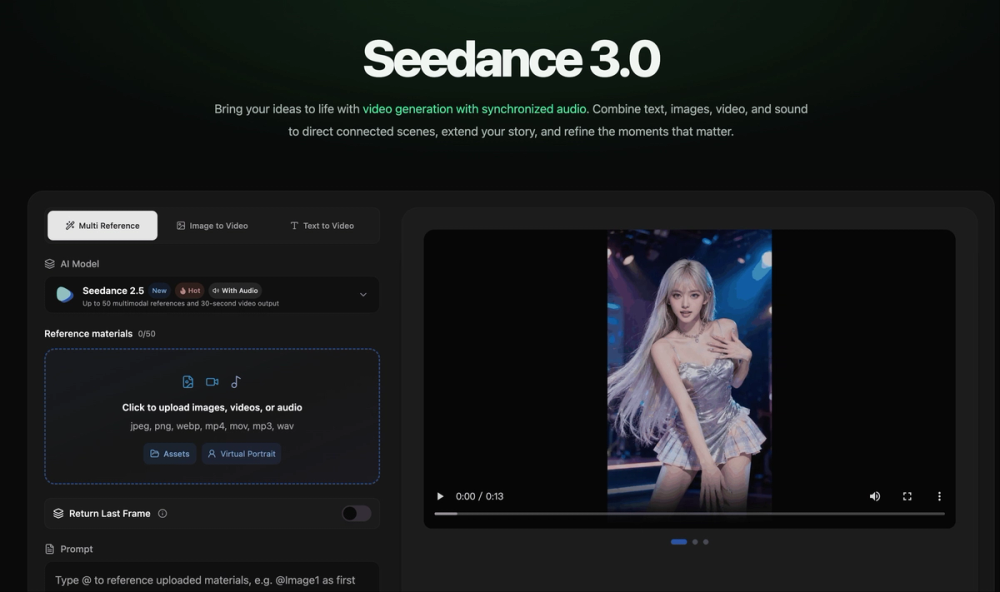
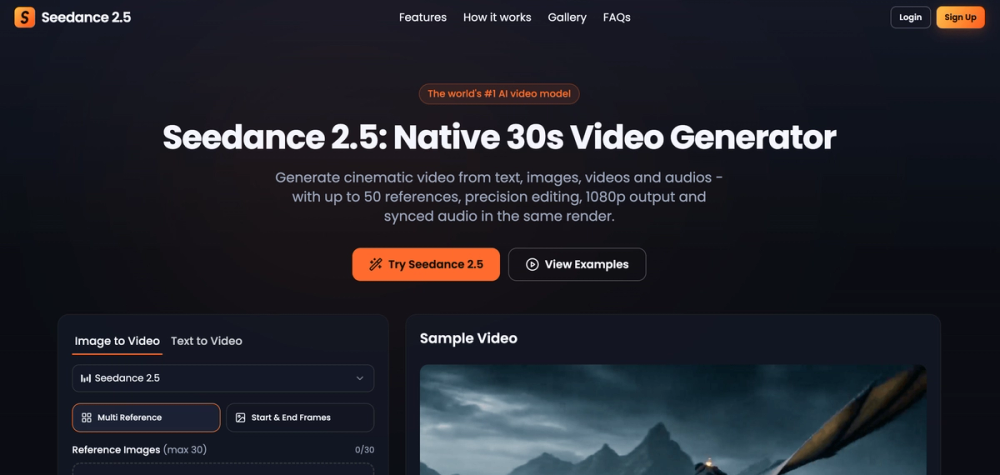
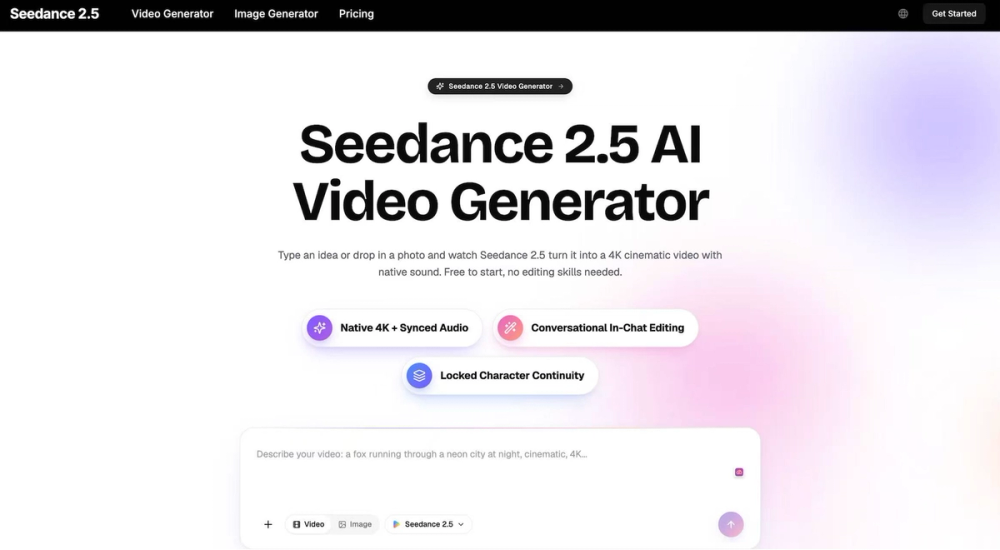
Seedance 2.5 is an AI video generation tool that transforms simple text prompts and reference images into short, cinematic video clips. The core idea is straightforward: you describe a scene in plain language, or upload a still image as a starting point, and the model generates film-quality footage complete with natural motion, balanced lighting, and a cohesive, professional look. There's no timeline to edit, no rendering pipeline to manage, and no specialized software to learn.
Key Features
Text-to-video generation. At its simplest, Seedance 2.5 takes a written prompt and turns it into a moving clip. You describe the scene, the subject, the setting, and the mood, and the model handles framing, camera movement, and pacing. The more specific your prompt, the more closely the output matches your intent, but even short descriptions produce coherent, watchable results.
Image-to-video animation. If you already have a still image—a product shot, a piece of concept art, a photograph—you can use it as the anchor for a clip. Seedance 2.5 animates the still into a moving shot while preserving your original composition, so the framing and key elements you started with stay intact. This is especially useful when you have a specific visual in mind and want motion added around it.
Frame-to-frame consistency. This is the feature that sets Seedance 2.5 apart. Many AI video generators struggle to keep subjects stable across frames, leading to characters whose features morph and backgrounds that drift or flicker. Seedance 2.5 maintains coherence from the first frame to the last, keeping people, objects, and environments locked in place. That consistency is what allows the output to hold up when viewed at full attention, not just as a quick thumbnail.
Prompt-based creative control. Beyond the basic scene description, you can guide tone, mood, lighting, and camera motion through your prompt. This gives you a meaningful degree of directorial control without touching a single editing tool—you shape the feel of the clip with words.
Fast iteration. Because generation happens quickly, you can treat the process as iterative. Generate a clip, review it, adjust your prompt, and generate again—all in the span of minutes. This tight feedback loop makes it practical to experiment until you land on the result you want, rather than committing hours to a single attempt.
No learning curve. There's no editing software to master and no production knowledge required. If you can write a sentence or pick an image, you can produce a video. That accessibility is central to the product's design.
Use Cases
Social media content. Short-form vertical and horizontal clips are the lifeblood of platforms like TikTok, Instagram Reels, and YouTube Shorts. Seedance 2.5 lets creators produce a steady stream of fresh, cinematic clips without a camera or a crew, keeping content calendars full without burning out.
Advertising and marketing creative. Marketers can generate ad variations quickly, testing different scenes, moods, and concepts without commissioning expensive shoots. The speed of iteration makes it easy to produce multiple creative angles for A/B testing or platform-specific formats.
Product demos and showcases. Animate product stills into dynamic showcase clips that highlight features and draw attention. For e-commerce and SaaS teams, this is a low-cost way to add motion to otherwise static product imagery.
Storyboarding and pre-visualization. Filmmakers and creative teams can use Seedance 2.5 to visualize scenes before committing to a full production. Turning script ideas into rough cinematic clips helps communicate vision to collaborators and clients far more effectively than text or