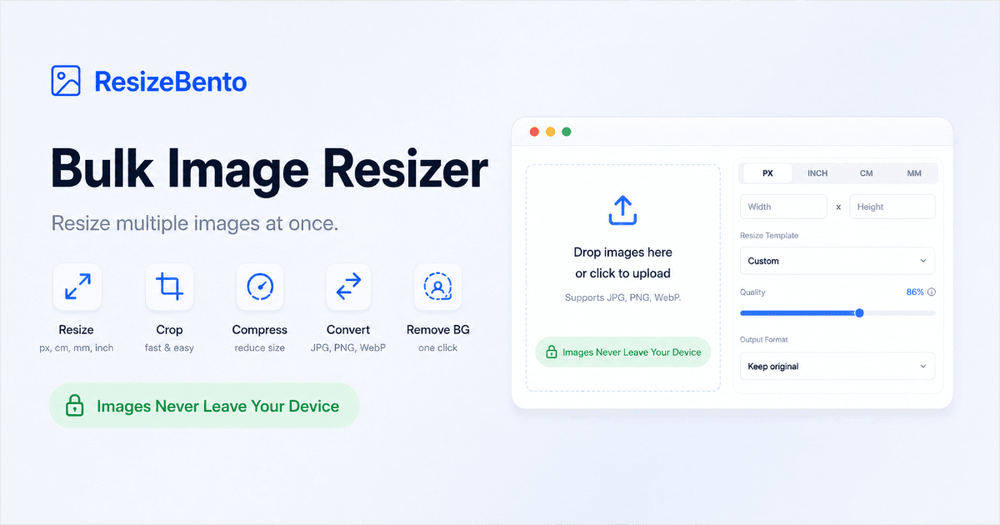
ResizeBento is a powerful and free online bulk image resizer that allows users to quickly and efficiently adjust the dimensions of single or multiple images directly within their browser. This innovative tool prioritizes user privacy by processing all files locally on your device, ensuring that no images are ever uploaded to a remote server. With ResizeBento, there's no need for software downloads or account sign-ups, making it an accessible solution for everyone from casual users to professionals.
The platform offers a comprehensive suite of image manipulation tools beyond just resizing. Users can precisely control image dimensions using various units, including pixels (PX), inches (INCH), centimeters (CM), and millimeters (MM). It supports resizing images for specific purposes like printing, where DPI settings are crucial, or for digital use cases requiring exact pixel dimensions or aspect ratios. The tool also allows users to scale images by a percentage, providing flexibility for different needs.
Key features of ResizeBento include:
- Bulk Image Resizing: Effortlessly resize up to 50 images simultaneously, applying shared settings for width, height, format, and quality across the entire batch.
- Local Processing: All image processing occurs directly in your web browser, guaranteeing that your sensitive files remain private and secure on your device.
- Flexible Unit Support: Define dimensions in pixels, inches, centimeters, or millimeters, catering to both digital and print requirements.
- Aspect Ratio Control: Maintain original image proportions by locking the aspect ratio, or adjust it to fit new dimensions with options for cropping, padding, or stretching.
- Output Format and Quality Control: Convert images between JPG, PNG, and WebP formats, and fine-tune the quality settings for JPG and WebP files to balance file size and visual fidelity.
- Additional Image Tools: Beyond resizing, ResizeBento integrates tools for cropping (including circle and square crops), compressing (JPG, PNG, WebP), converting formats, rotating, stretching, removing backgrounds, and even checking or converting image DPI. It also offers an "Images to PDF" converter.
ResizeBento is designed for a wide array of real-world use cases. Content creators can prepare images for websites, social media platforms (posts, profile images, cover graphics), and product listings (e-commerce photos, thumbnails). Professionals can use it to create precise dimensions for print layouts, documents, email campaigns, and advertising materials. The intuitive three-step process—upload, set dimensions, and download—makes image preparation straightforward and efficient. Whether you need to optimize images for web performance, create specific sizes for print, or simply adjust a photo for personal use, ResizeBento provides a fast, free, and private solution.