Overview
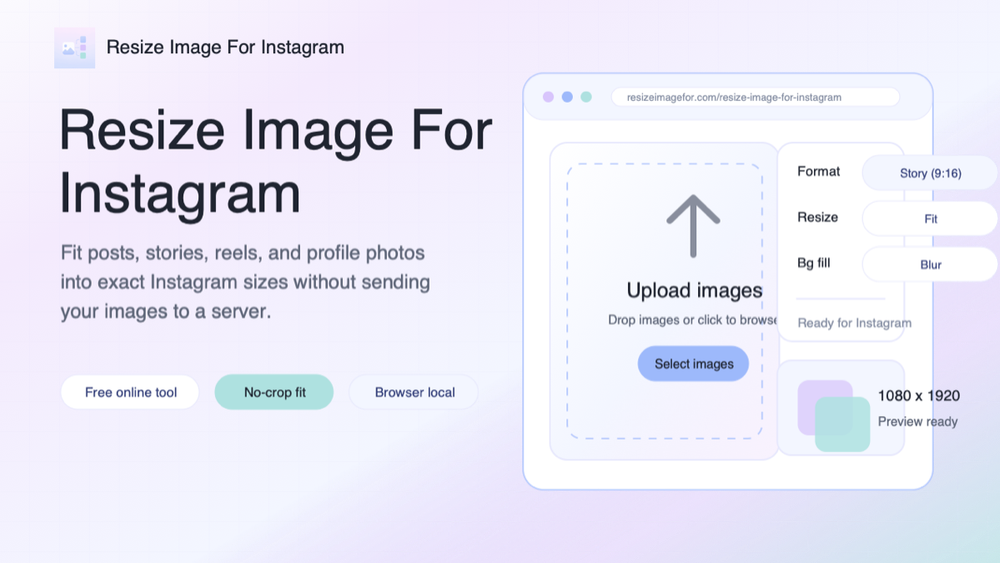
Resize Image for Instagram is a free browser-based tool for turning photos into Instagram-ready image files. It helps when a picture looks good, but Instagram needs a square post, portrait post, landscape post, Story, Reel, or profile image frame. Instead of opening a heavy design app or guessing dimensions by hand, upload an image, choose a preset, preview the fit, and download a ready-to-post PNG.
Key Features
The tool includes exact Instagram presets for square posts, portrait posts, landscape posts, Stories, Reels, and profile pictures. Fit mode keeps the whole photo visible and fills the empty space with a color or blur background, which is useful for no-crop posts. Fill mode creates a full-bleed result when edge cropping is acceptable, and Stretch mode is available when a forced resize is needed.
All image processing happens locally in the browser with Canvas and web workers. Source files are not uploaded to a server, stored remotely, or sent to third-party image APIs. This makes the workflow useful for personal photos, unpublished campaign assets, client images, and brand visuals that should stay private.
Use Cases
Creators can resize a photo for Instagram without losing important edges, faces, products, or text areas. Social media managers can prepare feed images, Reels covers, Stories, and profile graphics from the same source file. Designers and marketers can use it as a quick export helper when a full design suite is unnecessary for a simple format change.
Getting Started
Open the page, drag in an image, choose the Instagram format, select Fit, Fill, or Stretch, then check the preview. If Fit leaves extra space, choose a background color or blur fill. Download one PNG or process a batch and export the completed files. The tool is free, works in modern browsers, and is designed for fast, private Instagram image formatting.