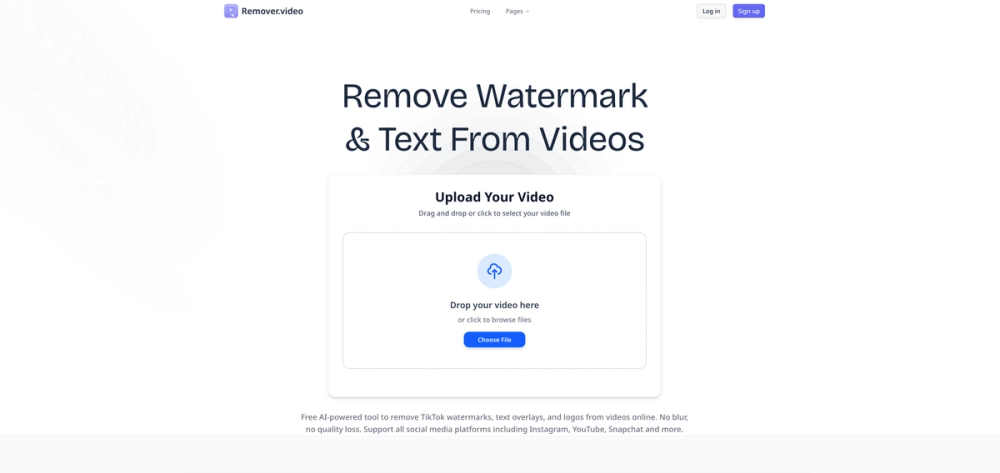
Professional AI-powered tool to remove text, watermark and logos from videos online. Free video editor supporting TikTok, Instagram and all social media formats. remove text from video, remove watermark from video remove words from video remove captions from video When Do You Need to Remove Captions? Unlock the potential of your video content for various scenarios.
Social Media Repurposing Clean up videos from TikTok or Instagram to share on other platforms without clutter.
Language Localization Remove hardcoded foreign captions to add new translations for your local audience.
Content Restoration Restore original footage by removing distracting closed captions or timecodes.
Learning & Education Create listening exercises by removing captions from educational videos or movies.
How to Remove Captions from Video in 3 Steps 1 Upload Video Drag and drop your video file (MP4, MOV, AVI, etc.) into the upload area.
2 Select Captions Use the brush or box tool to highlight the captions you want to remove.
3 Download Clean Video Click 'Remove' and wait for the AI to process. Preview and download your caption-free video.