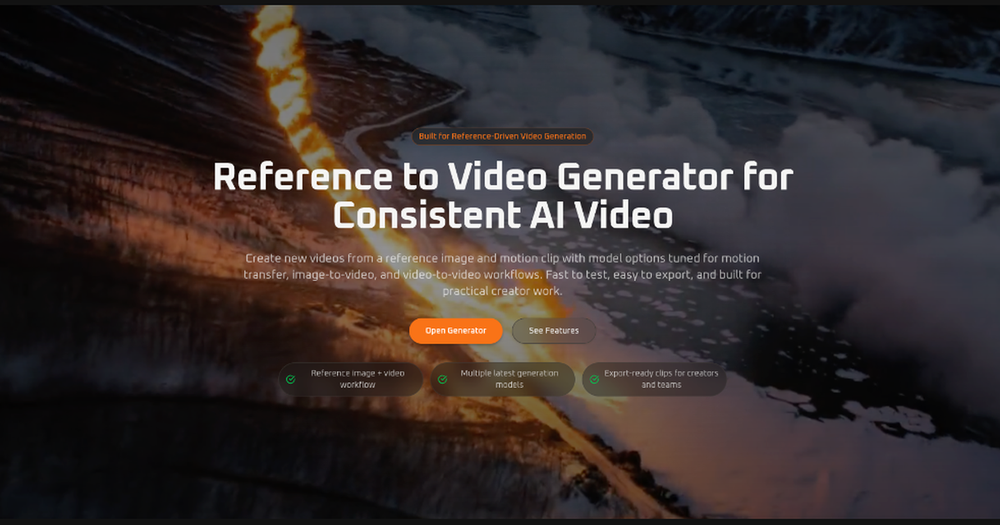
Reference to Video Generator is an advanced AI tool specifically engineered for consistent and high-quality video creation, leveraging reference-driven generation, image-to-video, and video-to-video workflows. It provides a streamlined platform for creators, marketers, and teams to produce new AI videos from source media with unparalleled control and efficiency. The platform is built to facilitate practical creator work, offering fast testing, easy exports, and a focus on real production use cases rather than generic one-click gimmicks.
Key features that make this workflow suitable for professional production include:
- Reference-Guided Video Generation: Users can provide source images and videos to give the AI model stronger direction, enabling precise image-to-video animation, reference-guided generation, or video-to-video transformation. This ensures that the generated content aligns closely with the user's vision.
- Better Subject Consistency: A crucial aspect for professional content, the tool allows users to employ a reference image to maintain consistent identity, clothing, silhouette, or product appearance across all generated frames, which is vital for branding and character integrity.
- Multi-Model Workflow: The platform offers the flexibility to switch between various specialized AI models. This allows users to select the best model based on their specific needs, whether it's for motion transfer, flexible image-to-video creation, achieving polished quality, or performing video-to-video transformations.
- Export-Ready Output: Generated clips are produced in practical aspect ratios and resolutions, making them immediately ready for diverse applications such as advertisements, social media content (TikTok, Instagram Reels, YouTube Shorts), product demos, and concept previews, without requiring additional editing.
- Share-Ready Results: The tool ensures that the output videos are polished and easy to review, export, and share with collaborators, clients, or the target audience, streamlining feedback and distribution processes.
The process of using Reference to Video is straightforward, involving three main steps:
- Upload a Reference Image: Begin by uploading a clear image of the subject to maintain consistency. Clean framing and visible details are recommended for optimal results.
- Add Source Video When Needed: For models supporting reference-guided generation or video-to-video transformation, users can upload a source video to guide the AI's motion and style.
- Generate and Export: After selecting the desired resolution, aspect ratio, and AI model, users can generate their new video, review it, refine if necessary, and then export the final clip.
Reference to Video supports a wide array of use cases, catering to various creative and business needs:
- Character Motion Tests: Transfer movement from an existing clip to a new character, preserving its visual identity based on a reference.
- Product and Fashion Demos: Generate motion-driven clips for ads, showcases, or concept previews, using reference images to maintain product appearance.
- Social Content Production: Quickly create short, high-quality vertical or horizontal videos for marketing campaigns, creator posts, or rapid content experimentation across platforms.
- Video-to-Video Restyling: Transform an existing video into a new visual style without the need to recreate the motion from scratch.
- Creative Prototyping: Efficiently test different movement directions, pacing, and framing, allowing for rapid iteration before committing to more intensive production workflows.
- Agency and Team Workflows: Facilitates comparison of multiple models within a single generator, enabling teams to choose the best tradeoffs for different client projects or creative requirements.
The platform...