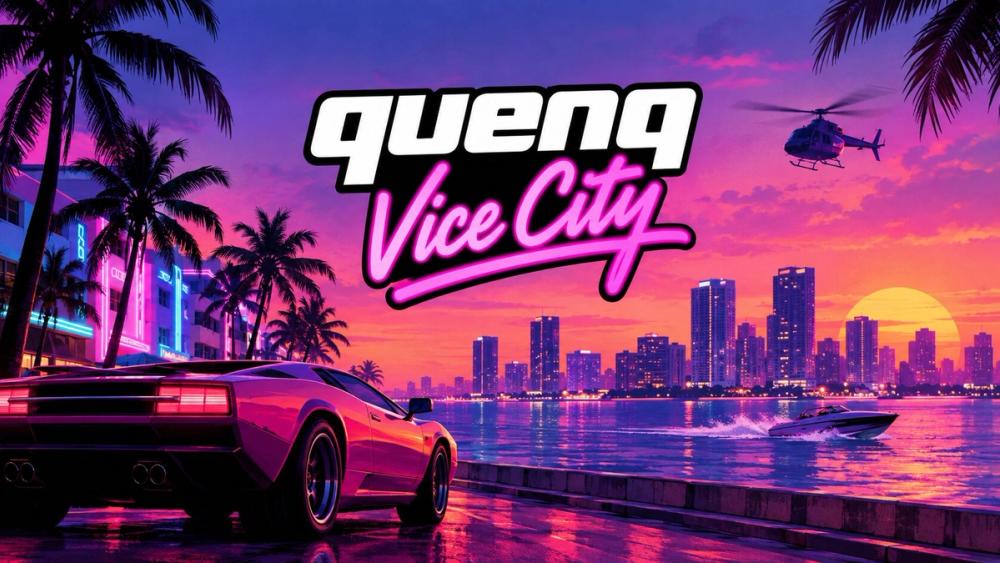
Quenq Vice City is a browser-based version of the classic Vice City open-world game, put together so you can load it on a web page instead of setting up a separate copy on your computer. The city, the driving, the missions, the neon-lit 1980s atmosphere — it all runs inside a modern browser window.
If you’ve been curious about Vice City but never got around to installing it, this is a simpler way in. Press the Play button on this page, give the game a moment to load its files, and you’ll find yourself dropped into the streets of a fictional Florida-inspired city with very little standing between you and a car to steal. Playing Quenq Vice City in Your Browser Getting started is straightforward:
Open this page in a modern browser. Press the Play button to begin. Wait for the game files to load. This step matters — see the note below. Click inside the game area if the game asks you to, so your keyboard and mouse input is captured correctly. Play using the controls supported by the port. About loading times. A game like this involves far more data than a normal web page — models, textures, audio, and the game code itself. The first load can take noticeably longer than you’re used to on the web, and how long depends on your connection speed and hardware. Leave the tab open and let it finish rather than refreshing partway through. Repeat visits may be faster if your browser has cached some of the files, though that isn’t guaranteed.
If the game seems stuck, a fresh reload and a second attempt is usually worth trying before assuming something is broken.