LogoToolFame
  • Category
  • Blog
  • Pricing
  • Submit
LogoToolFame

Newsletter

Join the Community

Subscribe to our newsletter for the latest news and updates

LogoToolFame

ToolFame - Popular Online Tools Directory

X (Twitter)
Made with❤️byHyhor
Product
  • Submit
  • Pricing
  • Category
Explore
  • Tag
  • Blog
  • Collection
Contact
  • Twitter
  • Email
More
  • About Us
  • Privacy Policy
  • Terms of Service
  • Sitemap

Quick Links - Explore more trending tools & products

  • AI Tools
  • Video Tools
  • Audio Tools
  • Image Tools
  • Animation Tools
  • 3D Tools
  • Writing Tools
  • Data Analysis Tools
  • Social Media Tools
  • Productivity Tools
  • Content creation Tools
  • Directories Tools
  • Development Tools
  • Freelancer tools Tools
  • Boilerplates Tools
  • Remote work Tools
  • Design Tools
  • Chatbot Tools
  • Daily Life Tools
  • Community Tools
  • Legal Tools
  • Finance Tools
  • E-commerce Tools
  • Marketing Tools
  • SEO Tools
  • Health Tools
  • Research Tools
  • Education Tools
  • Translation Tools
  • Monitoring Tools
  • Management Tools
  • Inspiration Tools
Copyright © 2026 All Rights Reserved.
  1. Home
  2. Category
  3. PhotoLoop

PhotoLoop

Turn one photo into a short AI video. A free 480p clip with sound every day, no watermark, no login to generate. Credit packs unlock more video models.

Visit Website
image of PhotoLoop
Visit Website

Introduction

Back

Information

  • Publisher
    Minh
  • Websitephotoloopai.com
  • Published date2026/09/19

Categories

  • Video
  • AI
  • Image

Tags

  • AI
  • Free
  • Web
image of ProductFame
Sponsored
MarketingSEODirectories

ProductFame

ProductFame is a product launch platform that helps users discover popular products and helps founders gain real feedback, early traffic, and valuable...

More Products

image of Seedance 3.0
AIVideoContent creation
Visit Details

Seedance 3.0

Details

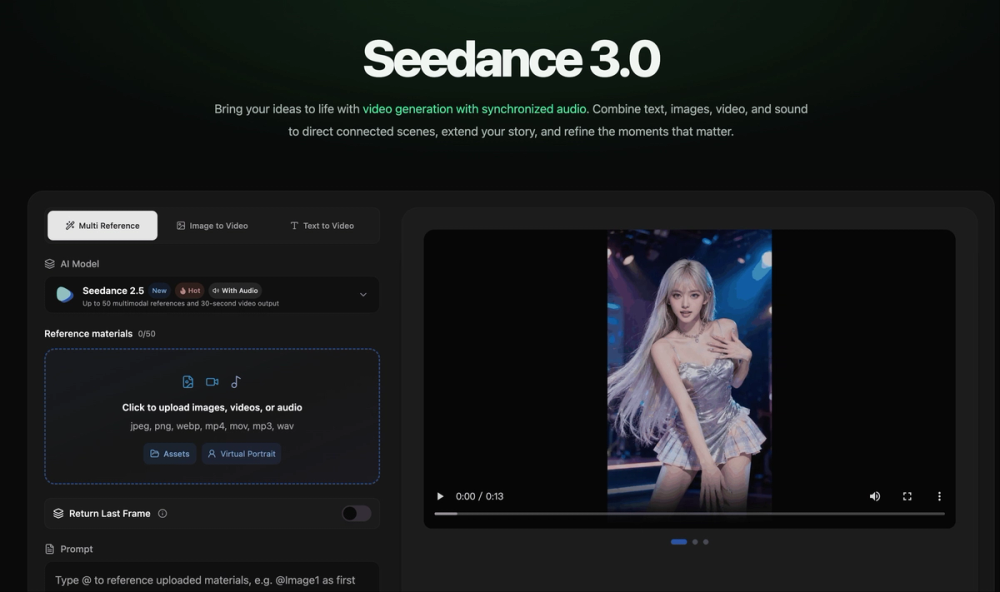
Seedance 3.0 combines powerful AI video generation, multimodal understanding, synchronized audio, and longer storytelling in one creative model.

AIWebPaidProfessionalEnglish Supported
image of Transcribe Audio to Text
AIAudioProductivity
Visit Details

Transcribe Audio to Text

Details

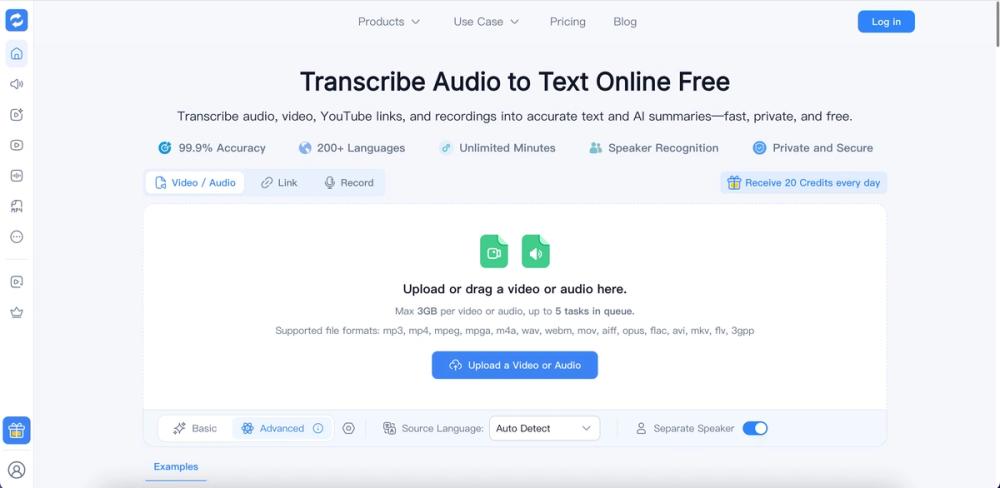
Transcribe audio and video to editable text with AI. Get timestamps and speaker labels for meetings, lectures, and podcasts. Start free.

AIFreeWebAdvancedEnglish Supported
image of Seedance 2.5
AIVideoContent creation
Visit Details

Seedance 2.5

Details

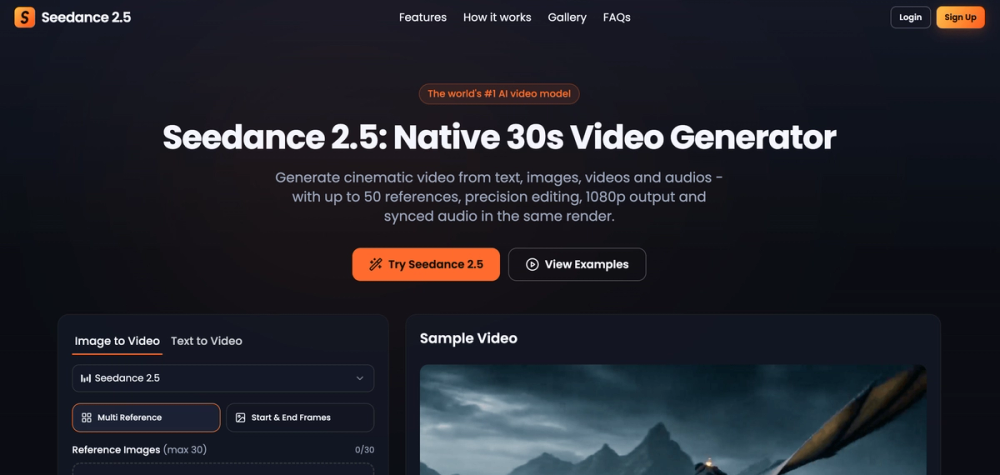
Seedance 2.5 generates native 30-second AI video from text, images, video and audio. Up to 50 references, precision editing, 1080p and synced audio. T...

AIWebProfessionalPaidEnglish Supported
Overview

PhotoLoop (photoloopai.com) turns one photo into a short video. Upload an image, write a sentence about how it should move, and get a clip with an audio track. There is nothing to install, and the free tier needs no login to generate or preview and adds no watermark. PhotoLoop is independent: it connects to third-party AI models through commercial APIs, and names such as Seedance, Wan, MiniMax and Gemini belong to their owners.

Key Features
  • Free tier: one five-second 480p clip with sound per device per day, on Seedance 2.0 Mini, in about three minutes. A free account is only needed to download. Downloads stay available for 24 hours and free files are cleared from storage within about 48 hours. A small site-wide daily cap applies.
  • Several video models: with credits you can also use Wan 3.0, MiniMax H3, MiniMax H3 Max, Seedance 2.0, Seedance 2.5, Gemini Omni 1.1 Flash and Seedance 2.0 Fast. Measured on real five-second clips, turnaround runs from about one minute (MiniMax H3 Max, Gemini Omni 1.1 Flash) to about four minutes (Seedance 2.0). The page shows the expected wait for the model you pick and only offers settings that model can actually run.
  • Multiple reference images: Seedance 2.0 Fast takes up to four ordered reference images and can make 13 or 15 second clips.
  • Prompt help: an optional AI Enhance step rewrites your description using rules for the model you selected.
  • Image tools: text-to-image, image-to-image, and a video-ready photo mode (remove distractions, relight, replace the background). Turn any image into a video in one click, or regenerate a finished video with another model.
  • Safeguards: uploaded reference images are checked automatically, and credits are returned automatically if the provider reports a failed paid generation.
Use Cases

Product and ad clips, social posts, gentle motion for portraits and family photos, concept art, landscapes and pets, and side-by-side model comparison from a single upload.

Getting Started
  1. Open photoloopai.com and upload a photo, or create one with the text-to-image tool.
  2. Describe the motion in a sentence or two: what moves and what the camera does.
  3. Choose the free model or a paid one, then set duration and aspect ratio if the model allows it.
  4. Generate, preview, and create a free account when you want to download.
Pricing and Plans

The free tier gives each device one clip per day. Beyond that PhotoLoop sells one-time credit packs of 300, 650 and 1,400 credits, with no subscription. The page shows how many credits a generation will use before you confirm. Current prices are at photoloopai.com/pricing.

Privacy and Limits

Your photo and prompt are sent to the model provider that generates the result. Free-tier files are deleted from PhotoLoop storage within about 48 hours, and PhotoLoop does not train models on your uploads. The acceptable use policy is at photoloopai.com/acceptable-use.


Featured on ProductFameFeatured on aitoolfame.comFeatured on saasfame.comFeatured on toolfame.comFeatured on directoryfame.comFeatured on findly.toolsFeatured on Startup FameListed on Turbo0Featured on Dofollow.ToolsFazier badgeFeatured on Twelve Tools