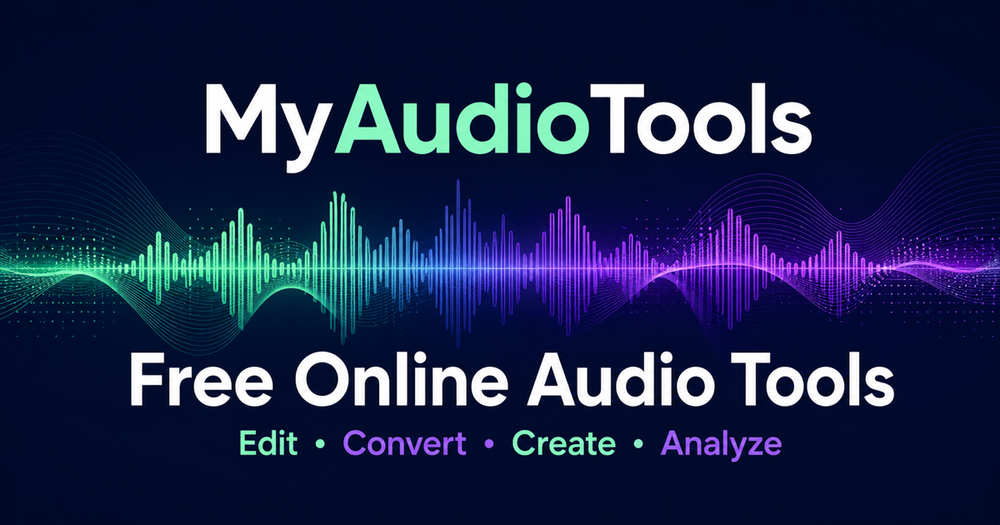
MyAudioTools offers a comprehensive suite of free online audio tools designed for creators, musicians, podcasters, students, and anyone needing to work with sound. This platform provides focused, browser-based solutions for a wide array of audio tasks, eliminating the need for software installations or account registrations. Each tool is designed for quick problem-solving, allowing users to perform specific functions without navigating complex editing suites.
The platform categorizes its 48 tools into three main areas:
-
Edit and Convert Audio Online: This section includes essential tools for manipulating audio files. Users can utilize the Audio Editor for timeline-based editing, the Audio Compressor for batch processing up to 10 files, and the Audio Normalizer to match sample-peak or LUFS targets. Other tools allow for boosting volume, mastering audio, creating ringtones, looping sections, and editing metadata. Conversion capabilities are robust, supporting formats like MP3, WAV, M4A, FLAC, OGG, AAC, AIFF, WMA, Opus, and AMR, with options to extract audio from video (MP4, MOV, AVI, MKV, WEBM, FLV, WMV) or convert audio to MIDI. Sound shaping tools include an Audio Equalizer with 18 presets, reverb addition, bass boosting, Nightcore effects, pitch and tempo changers, audio reverser, and immersive 8D, Binaural, and Spatial Audio effects.
-
Create and Work with Voice: This category focuses on vocal and sound creation. Tools like the Vocal Tuner detect and snap vocal pitch to musical scales, while the Voice Changer offers various effects such as chipmunk, robot, and demon voices. Text to Speech converts text into audio using 28 American and British voices, and Audio to Text transcribes speech into timestamped text. The Vocal Synthesizer allows for shaping vocal formants, vibrato, and melody. Creative tools include a Soundboard with CC0 sounds and custom clip saving, a Drum Machine for 16- or 32-step patterns, a Drum Pad for finger drumming, a Metronome for practice, and a Tone Generator for precise frequency creation. Visual tools like the Music Visualizer and Granular Synthesizer add another dimension to sound exploration.
-
Analyze Music and Practice: This section provides tools for musical analysis and device testing. Users can find BPM, song key, and chords from recordings, or use the LUFS Meter for EBU R128 loudness measurement. For musicians, there's a Chord Finder, Guitar Chord Chart, Online Tuner for various instruments, and a BPM Tapper. Vocalists can utilize the Vocal Range Test to determine their range and voice type. Device testing tools include a Microphone Test, Headset Test, Speaker Test, Headphone Test, and comprehensive Hearing Tests (general and frequency-specific) to verify audio output and input.
MyAudioTools emphasizes a straightforward, three-step workflow:
- Choose one focused tool: Select the exact task needed.
- Add audio or start live: Upload a file, record with a microphone, or use live input.
- Review and download: Preview, refine settings, and export in a supported format.
The platform prioritizes user privacy, processing files locally in the browser whenever possible, and requires no account or software installation. It supports a wide range of common audio and video formats, making it a versatile and accessible resource for all audio-related needs.