Imgfree Overview
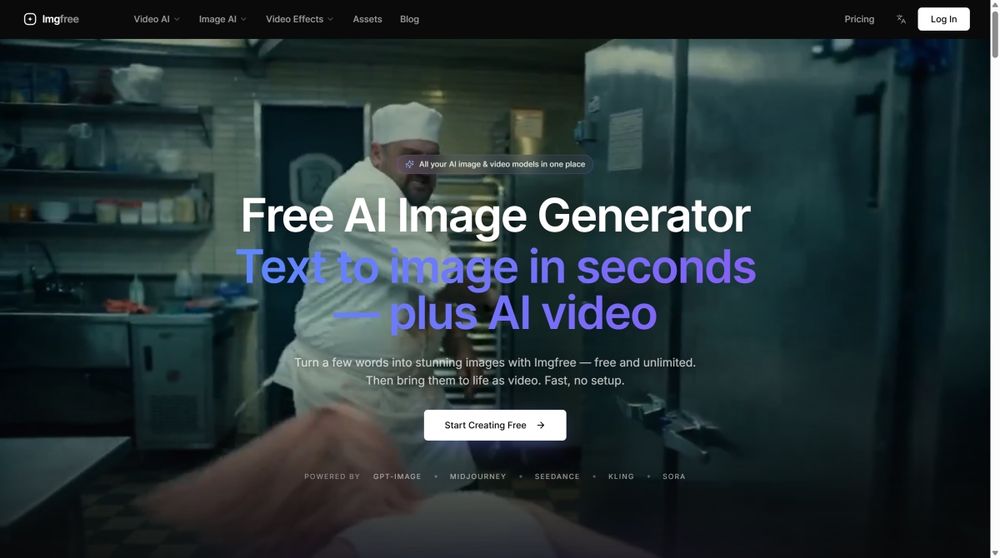
Imgfree is an AI image and video creation platform for creators, marketers, designers, and teams. It brings text-to-image, image-to-image, text-to-video, and image-to-video workflows into one workspace so users can explore visual ideas from a written prompt, an existing image, or a video concept.
Text-to-Image
Text-to-image helps users turn a written idea into a visual starting point. A prompt can describe a subject, environment, mood, composition, or creative direction. The result can be used for brainstorming, reference work, social content concepts, campaign exploration, or further visual development.
Image-to-Image
Image-to-image starts with an existing visual and helps users explore variations. This can be useful when a creator wants to test a different direction, adapt a reference, compare styles, or build a group of related concepts. The source image remains part of the creative process, while the user guides the transformation.
Text-to-Video
Text-to-video helps users explore motion from a written description. It can support early ideas for scenes, short clips, transitions, camera movement, or visual storytelling. It is useful for social content planning, campaign concepts, mood references, and early production discussions.
Image-to-Video
Image-to-video starts from a still image and explores how that visual might become a moving clip. It can help creators test motion ideas, animate a visual concept, or communicate a possible direction before a full production workflow begins.
One Creative Workspace
Visual projects often involve many small decisions. A creator may need to change a subject, adjust a composition, test a new style, or compare several ideas. Imgfree provides a single place to move between generation and transformation workflows. The goal is to make exploration easier while keeping creative judgment with the user.
Who It Is For
Content creators can use Imgfree to explore images and video concepts. Marketers can use it during campaign brainstorming. Designers can use it for references and variations. Small teams can use it to discuss visual directions before production. Beginners can use the workflows to learn how prompts and reference images influence visual results.
A Practical Workflow
Start with the workflow that matches the material available. Use text-to-image for a new still concept, image-to-image for an existing reference, text-to-video for motion from a written idea, or image-to-video for animating a still visual. Review the first result, refine the direction, and compare the outputs that best fit the project.
Responsible Use
AI-generated visuals should be reviewed before publication. Users should check accuracy, brand fit, audience suitability, source-image rights, and the context in which the final result will be used. Imgfree supports creative exploration, but users remain responsible for prompts, source materials, final selections, and publishing decisions.
Summary
Imgfree brings several AI image and video workflows together for people who want to generate, transform, and explore visual content. It can support social concepts, campaign ideas, design references, storyboarding, and personal creative experiments. The platform is designed to help users move from an initial idea toward a visual direction they can evaluate and develop.