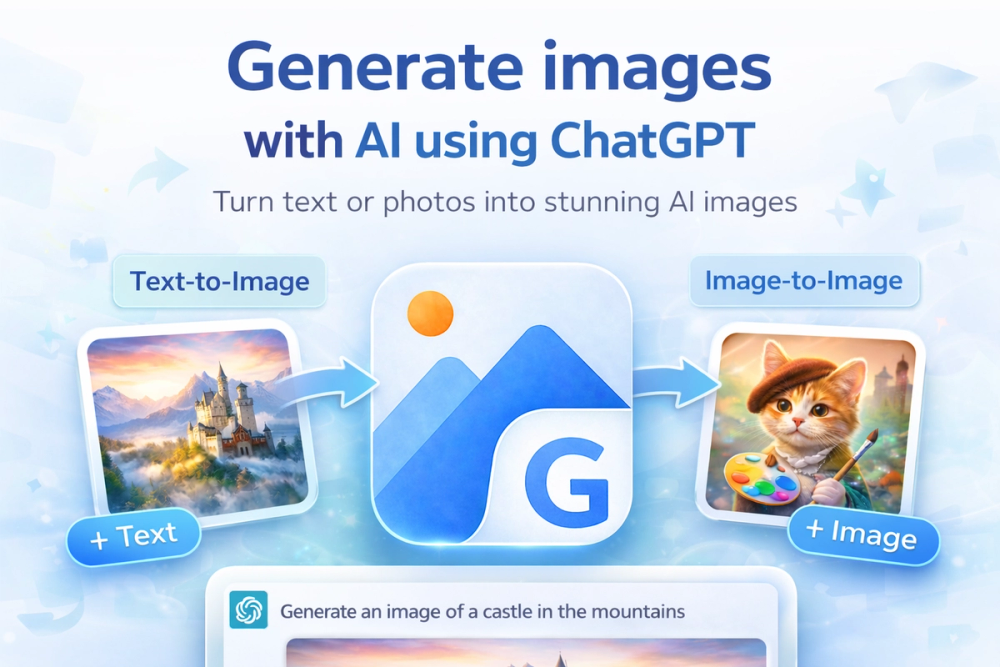
Image2GPT is a cutting-edge, free AI image generator powered by OpenAI's advanced GPT-Image-2 model, designed to empower users to create, edit, and transform images effortlessly through natural language prompts. It serves as a comprehensive creative studio accessible directly in your browser, eliminating the need for complex design skills.
Key Features & Capabilities:
- Text to Image Generation: Users can describe any desired scene—be it portraits, product visuals, logos, or intricate landscapes—in plain text and receive high-quality images within seconds. This core functionality leverages the power of GPT-Image-2 to translate textual descriptions into vivid visual content.
- Advanced Image Editing: Beyond simple generation, Image2GPT acts as an intelligent image editor. Users can upload existing photos and articulate desired modifications. This includes capabilities like seamless background removal, sophisticated style transfer, adding new elements to an image, and enhancing intricate details, effectively providing a ChatGPT-like experience for image manipulation.
- Character Consistency: A standout feature for content creators and storytellers, Image2GPT allows for the generation of multiple images featuring the same character across various scenes and poses. This ensures visual continuity, which is invaluable for branding, sequential storytelling, and consistent social media content.
- Flexible Output Options: The platform offers extensive control over image output. Users can specify multiple sizes (square, portrait, landscape) and aspect ratios (1:1, 2:3, 3:2, etc.), or opt for AI to automatically determine the best ratio based on the prompt. Furthermore, it supports different quality settings, from fast drafts to high-definition (HD) renders, and allows exports in PNG, JPEG, or WebP formats, with an option for transparent backgrounds.
- Mask Inpainting: This precise editing tool enables users to paint over specific areas of an image—such as a face, a background, or a logo—and have the AI intelligently regenerate only that masked region. The rest of the image remains pixel-identical, ensuring targeted and seamless modifications.
- Style and Quality Control: Users can switch between "vivid" and "natural" styles to achieve different aesthetic outcomes. The ability to scale from quick drafts to polished HD renders provides flexibility for various project needs.
How It Works (Three Simple Steps):
- Enter Your Prompt: Clearly describe the image you wish to create using natural language.
- Choose Your Settings: Select desired parameters such as image size, quality, and the number of images to generate.
- Get Instant Results: Download your AI-generated images in mere seconds.
Image2GPT caters to a wide range of use cases, from creating professional headshots and product photos to generating cinematic scenes, comic art, and abstract watercolors. It offers both free access with a generous credit allowance and various paid plans (Basic, Pro, Max) for more intensive professional use, including features like batch generation, image upscaling, and API access. The platform emphasizes ease of use, making advanced AI image creation accessible to everyone, regardless of design expertise.