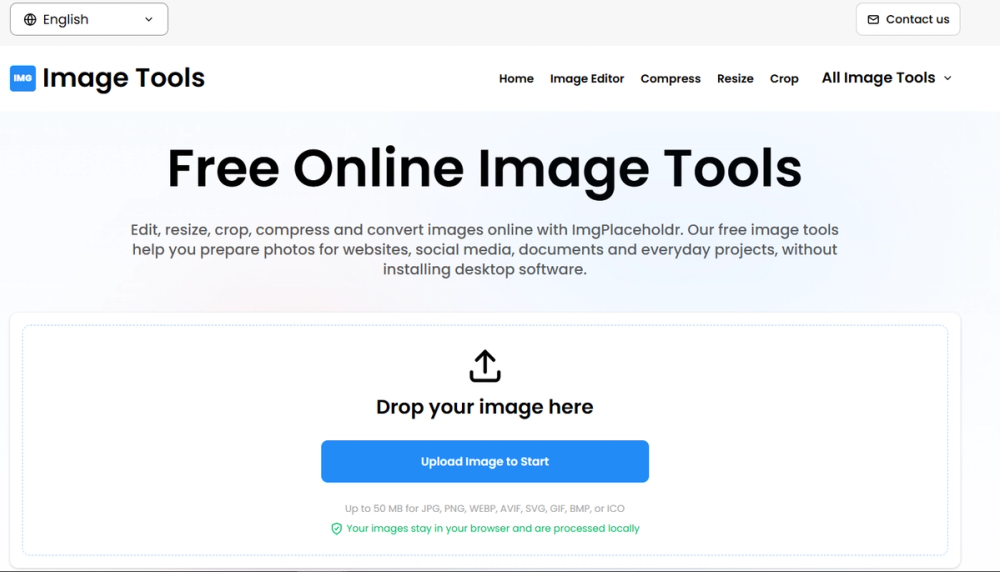
Image Tools Online, also known as ImgPlaceholdr, is a comprehensive suite of free online image manipulation tools designed to simplify photo editing, conversion, and optimization directly within your web browser. This platform eliminates the need for desktop software installations, offering a convenient and accessible solution for preparing images for websites, social media, documents, and various personal or professional projects.
The core strength of Image Tools lies in its diverse array of functionalities, categorized for ease of use. Under "Edit & Adjust," users can access a full-fledged Image Editor to add text, resize, crop, flip, rotate, and apply various filters. Specific tools like "Resize Image" allow for precise dimension adjustments or percentage scaling, while "Crop Image" offers visual cropping with freeform or standard aspect ratios (1:1, 16:9, 4:3). Users can also "Rotate Image" by specific angles, "Flip Image" horizontally or vertically, and "Round Image" to create circular avatars or smooth rounded corners.
For optimization and privacy, the "Compress & Metadata" section provides tools to "Compress Image" for reduced file sizes with optimal quality controls. Crucially, the "EXIF Remover" allows users to strip sensitive camera metadata, GPS location, and personal tags, ensuring complete privacy. Conversely, the "EXIF Data Viewer" enables inspection of such metadata.
Creative expression is supported through "Creative Filters," which include "Blur Image" for adjustable Gaussian or soft blur effects, "Pixelate Image" to transform photos into retro pixel art, "Sharpen Image" to enhance details, and "Turn Image Black & White" for monochrome styling.
The platform boasts robust "Image Converters," facilitating fast and lossless conversions between a wide range of modern and universal image formats. Users can convert between JPG, PNG, WebP, AVIF, ICO, SVG, BMP, and GIF. Dedicated converters like "JPG to PNG," "PNG to JPG," "JPG to WebP," "WebP to JPG," "AVIF to PNG," and many more streamline format changes for compatibility and web performance.
Specialized "ICO & SVG Tools" cater to specific graphic needs, allowing users to create Windows ICO favicons from PNG, JPG, or WebP images, and convert scalable SVG vector graphics to raster formats like PNG, JPG, or WebP, and vice-versa.
A significant advantage of Image Tools is its commitment to user privacy and accessibility. All image processing occurs client-side, directly within the user's browser, meaning images are never uploaded to external servers. This ensures that private images remain on the user's machine, enhancing security. The web-based nature means there's no software to install, making it instantly available across different operating systems and devices. The intuitive interface and comprehensive toolset make it suitable for both beginners and professionals seeking efficient image manipulation without complex software. With over 38 tools and millions of images processed, Image Tools stands as a reliable and free solution for all digital image needs.