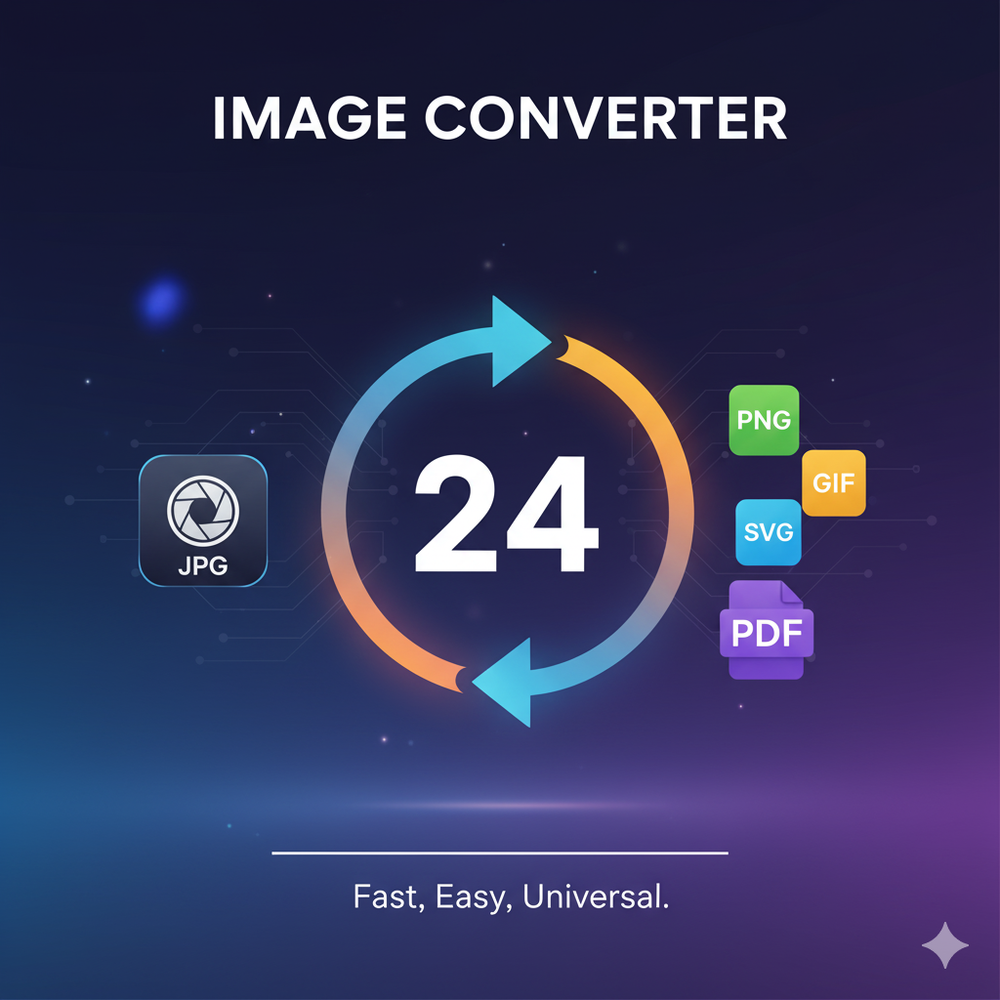
Image Converter 24 is a comprehensive, free online tool designed for fast, high-quality image conversion across a wide array of formats. It eliminates the need for software installations, account registrations, or hidden fees, offering a seamless browser-based experience. The platform supports over 20 image formats, including popular ones like JPEG, PNG, WEBP, HEIC, PDF, TGA, SVG, AI, BMP, DDS, DIB, EPS, GIF, HDR, ICO, JP2, JPE, TIFF, and WBMP.
Key Features:
- Free & Unlimited: Convert as many files as needed without any daily caps, watermarks, or subscription requirements.
- High-Quality Conversion: Designed to preserve original image quality, colors, transparency, and details, ensuring professional-grade results. It handles color profiles correctly and uses optimized conversion libraries.
- Fast & Secure: Conversions are processed instantly, often locally in the browser, ensuring speed and privacy. Files are automatically deleted from servers immediately after conversion, and secure 256-bit SSL encryption is used.
- Wide Format Support: Offers extensive compatibility for both input and output formats, catering to diverse user needs from web design to game development and print.
- Batch Conversion: Users can upload and convert multiple images simultaneously, significantly saving time.
- No Account Needed: Access all features directly from the website without the hassle of signing up or logging in.
- Browser Compatible: Works flawlessly across all modern browsers and devices, including desktops, smartphones, and tablets.
- No Watermarks: Converted images are delivered clean, without any branding or logos.
Use Cases:
- Web Designers: Easily convert client logos from PNG to scalable SVG, or optimize JPEGs for faster website loading times.
- Photographers: Manage image formats for different purposes, such as delivering final images as JPEGs while maintaining TIFF masters, or converting RAW files for editing.
- Game Developers: Convert TGA textures to PNG for sharing progress shots or creating sprite sheets.
- Students: Transform presentation slides into PDF for easy submission or convert downloaded images to specific project requirements.
- Small Business Owners: Create professional PDF catalogs from product photos or convert logos to SVG for high-quality printing on merchandise.
The tool emphasizes user control, allowing adjustments for JPEG quality, PNG compression, resizing, and transparency handling, making it versatile for both beginners and professionals seeking precise results. Image Converter 24 stands out as a reliable, user-friendly solution for all image conversion tasks, prioritizing speed, quality, and user privacy.