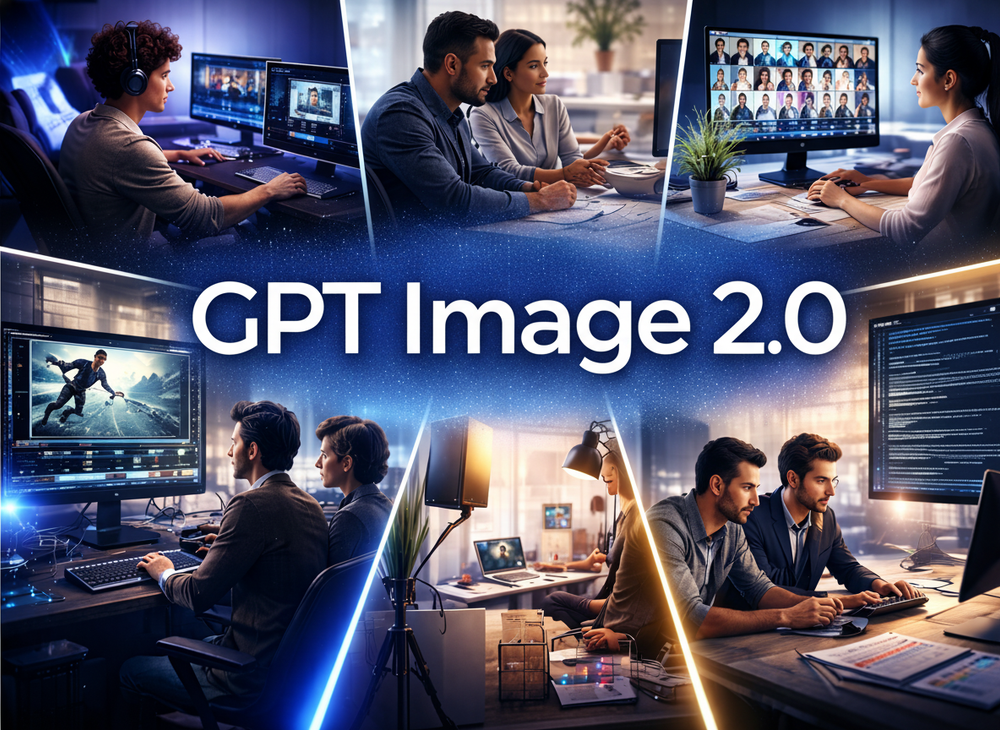
GPT Image 2 (also known as gpt-image-2, GPT Image v2, or GPT Image 2.0) is OpenAI's cutting-edge AI image generation and editing model, designed to understand and execute complex visual commands with unprecedented accuracy. Built on a multimodal large language model framework, it excels in producing razor-sharp text rendering, near-photorealistic image quality, and sophisticated multi-turn conversational editing.
Key Capabilities:
- Perfect Text in Images: A groundbreaking feature that allows GPT Image 2 to render dense text, UI labels, poster copy, and even non-Latin scripts with exceptional clarity and accuracy, a significant leap forward in AI image generation.
- Photorealistic Quality: The model delivers natural skin tones, lifelike lighting, and rich material textures, effectively eliminating the common imperfections and "uncanny valley" effects seen in older AI models.
- Conversational Editing: Users can describe desired edits in plain English, such as "change the background," "swap an outfit," or "remove an object." GPT Image 2 intelligently understands these instructions and applies changes without disrupting the rest of the image.
- World Knowledge Awareness: It can generate accurate product packaging, real-world brand elements, recognizable interfaces, and contextually correct scenes, moving beyond generic AI-generated visuals.
- Wide Aspect Ratio Support: The tool supports a comprehensive range of professional output formats, from standard square social media posts to widescreen 16:9 banners, catering to diverse creative needs.
- Developer-Ready API: For power users and developers, GPT Image 2 offers a robust API (gpt-image-2 API) that supports PNG, JPEG, WebP formats, transparent backgrounds, batch generation, and custom quality settings, enabling seamless integration into existing products and workflows.
How to Use GPT Image 2: The process is streamlined into three simple steps:
- Describe Your Vision: Users input their prompts in plain English, and the AI understands complex instructions, compositions, styles, and context.
- Generate & Refine: The image is generated in seconds. If adjustments are needed, users can simply describe the changes (e.g., "make the background darker," "add a shadow"), and GPT Image 2 intelligently updates the image.
- Download & Deploy: Creations can be exported in various formats (PNG, JPEG, WebP) for immediate use in advertising, social media, websites, or presentations.
- Scale with API: Developers can leverage the gpt-image-2 API for automated batch generation and custom integrations.
Use Cases: GPT Image 2 empowers a wide array of professionals and teams:
- Marketing Creatives: Generate ad banners, social media graphics, email headers, and campaign visuals that adhere to brand guidelines.
- Product Photography: Create high-quality, photorealistic product shots and packaging mockups without the need for a physical studio.
- UI & App Mockups: Prototype app screens, website layouts, and interface wireframes with realistic text and elements for pitches and user testing.
- Content & Blog Visuals: Produce on-brand thumbnails, blog cover images, and editorial illustrations quickly.
- Developer Integrations: Integrate AI-powered image features into SaaS platforms and workflow automation.
- Brand Assets: Develop logo variations, pattern backgrounds, and consistent visual assets for branding.