GenVideo AI
Overview
GenVideo AI is a browser-based creative tool for generating videos from text prompts or source images. It is designed for creators, marketers, educators, and teams that want to explore ideas visually without switching between multiple model-specific tools.
Core workflow
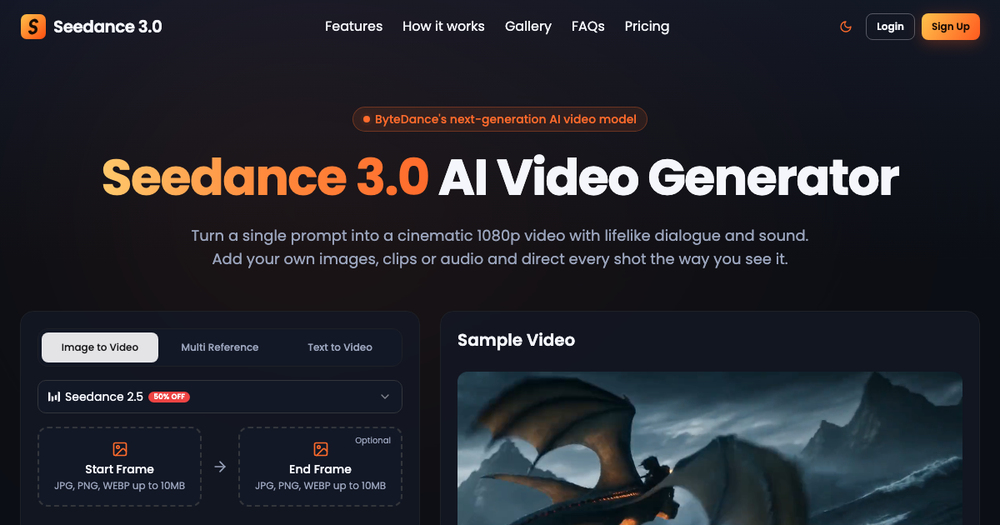
Start with a text prompt or an image, describe the motion or scene you want, and use the available generation workflow to turn that concept into a video. The tool brings several current video-generation models into one place, including Veo 3.1, Seedance, Kling, Wan, and Grok Imagine. This makes it easier to compare creative directions and choose the result that best fits a project.
Use cases
GenVideo AI can help with concept exploration, short-form social content, product ideas, marketing visuals, storyboards, educational demonstrations, and other projects where motion communicates more than a static image. It is useful for testing a visual idea quickly before investing in a larger production.
Getting started
Open GenVideo AI in a browser, choose whether to begin from text or an image, write a clear prompt, and iterate on the generated result. Specific descriptions of subject, movement, composition, and mood can help guide the output.
Summary
For anyone exploring AI-assisted video creation, GenVideo AI provides a straightforward place to experiment with text-to-video and image-to-video workflows across several well-known models.
Website: https://genvideo.app/