Newsletter
Join the Community
Subscribe to our newsletter for the latest news and updates
Free Gemini watermark remover. Remove the Gemini star overlay from images instantly in your browser — no upload, no signup, no limits. 100% private.

ProductFame is a product launch platform that helps users discover popular products and helps founders gain real feedback, early traffic, and valuable...
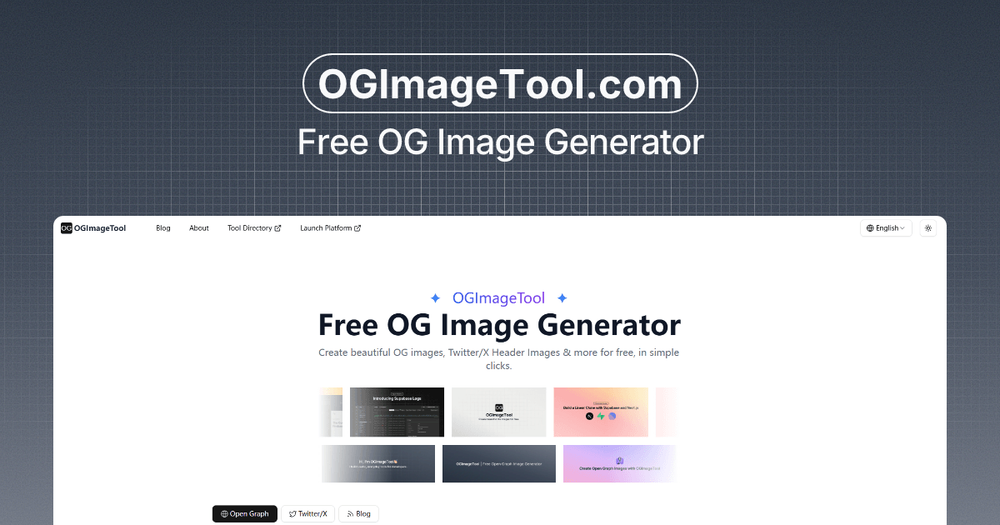
Create free Open Graph images and Twitter/X headers with ready-made templates, live preview, custom branding, and one-click export.
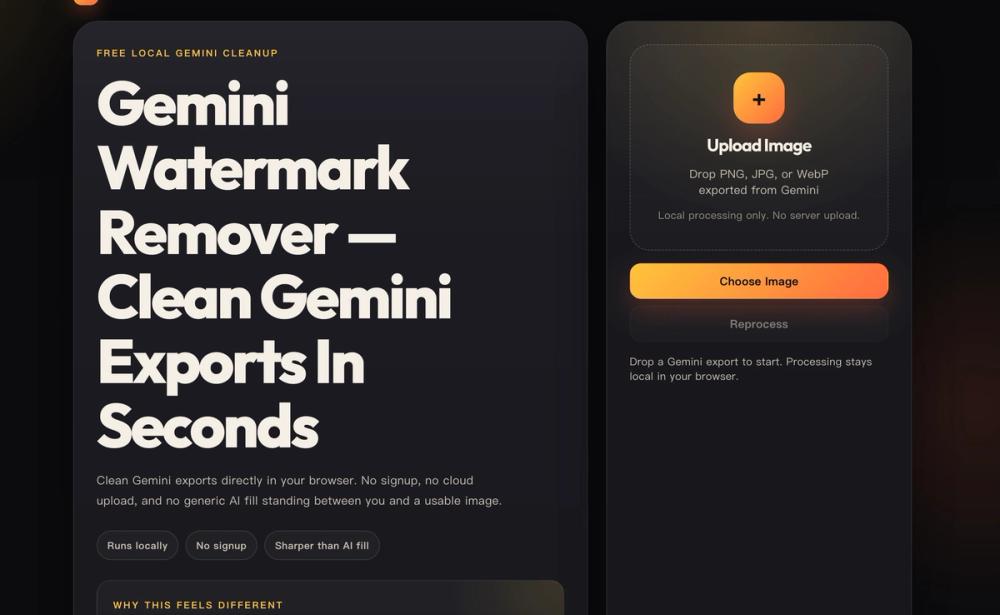
Free local Gemini cleanup Gemini Watermark Remover — Clean Gemini Exports In Seconds Clean Gemini exports directly in your browser. No signup, no cloud upload, and no generic AI fill standing between you and a usable image.
Runs locally No signup Sharper than AI fill Why this feels different Built for Gemini exports, not generic image cleanup. Reverse Alpha Blending restores the marked area mathematically, so edges stay sharper than they do with content-aware fill or inpainting.
Upload Image Drop PNG, JPG, or WebP exported from Gemini Local processing only. No server upload. Choose Image Reprocess Drop a Gemini export to start. Processing stays local in your browser.
Waiting Before / After Workspace Upload a Gemini export to preview the cleanup result.
Download clean PNG Before and After Preview BeforeAfter Upload to preview the cleanup Original Gemini exports give the cleanest result. Drag to compare
Why it works Purpose-built cleanup beats generic AI patching The tool is tuned for a single pattern: Gemini's export watermark. That is why the workflow is faster, more private, and visibly cleaner than a generic image editor.
Reverse Alpha Blending Built for Gemini exports, the engine restores the marked pixels mathematically instead of painting over them with a generated guess.
Local Browser Execution Every cleanup job runs in a Web Worker on your device. No uploads, no server logs, and no privacy tradeoff.
Free & Open Source Use the tool without limits, paywalls, or signups. The engine is inspectable, not a black box.
Purpose-Built Workflow The page is optimized for a single job: drop a Gemini export, preview the cleanup, and download a clean PNG quickly.
Capability This Tool Generic Editor Gemini-specific cleanup Yes Usually no 100% local browser processing Yes Often no Reverse Alpha Blending Yes Rarely Remove Gemini logo pattern Yes Not specifically Free with no limits Yes Often paywalled How it works Three steps from upload to clean output 1 Upload the original export Use the PNG, JPG, or WebP file downloaded directly from Gemini for the cleanest reconstruction.
2 Process locally in your browser Reverse Alpha Blending runs on-device, so your image never has to leave the browser.
3 Compare and download Inspect the before/after slider, then save the cleaned PNG when the result looks right.
If the result shows “No Change”, the file is usually a screenshot or a recompressed copy rather than the original Gemini export. Re-download the source image and try again.