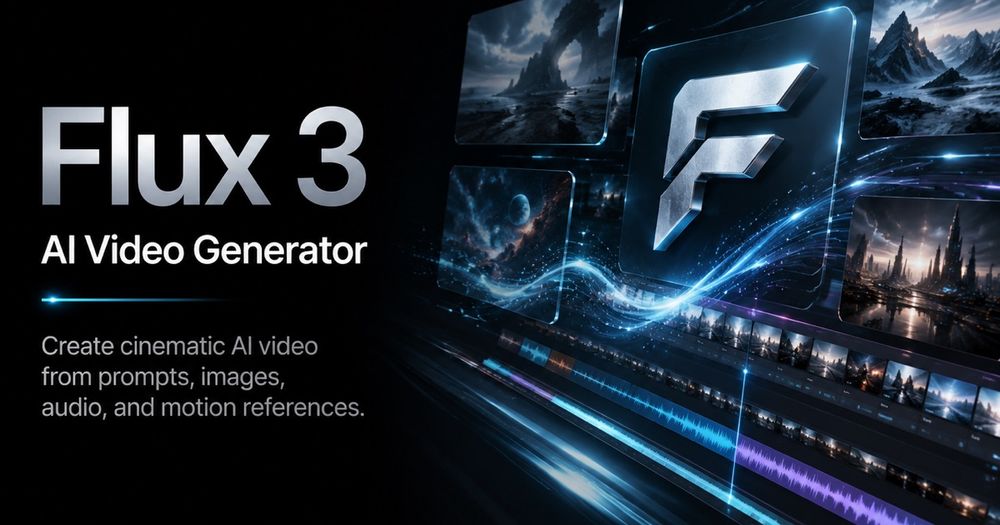
Flux 3 is an advanced AI video generator designed for creators to produce cinematic video content from text prompts, images, or reference video clips. It leverages a multimodal AI model trained on images, video, and audio, enabling the generation of clips with native, synchronized sound, natural motion, and multilingual dialogue. This platform streamlines the video creation workflow, allowing users to quickly test and iterate on visual ideas for various applications.
Key Features:
- Prompt-First Video Creation: Users can describe their desired shot in natural language, detailing subjects, actions, camera movements, lighting, mood, and timing. The AI translates these descriptions into video tasks, offering a director-like control over the output.
- Reference-Guided Generation: Enhance precision by uploading reference images or videos. Images can guide elements like product shape, character identity, composition, color palette, or overall scene direction. Reference videos are ideal for replicating specific motion rhythms, framing, or timing, making it valuable for brand consistency and creative testing.
- Video with Native Audio: Unlike many AI video tools that require separate audio integration, Flux 3 generates video clips with native audio directly in the same pass. This ensures sound effects like footsteps, impacts, and ambient noises are perfectly timed and synchronized with on-screen actions, enhancing realism and immersion.
- Expressive Motion and Dialogue: The AI's understanding of real-world movement and sound allows it to produce videos with natural human facial expressions, fluid body movements, and believable multilingual dialogue, contributing to more authentic and engaging character interactions.
- Simplified Model Choice: Flux 3 offers a straightforward user experience by focusing on a single, powerful AI model. Users simply choose their input type (text, image, or video), desired duration, aspect ratio, and resolution, then generate their video without navigating complex model selections.
- Visual Inspiration and Examples: The platform provides a gallery of video examples showcasing cinematic motion, product details, stylized scenes, and dynamic camera ideas. These serve as valuable inspiration and starting points for users to refine their prompts and achieve desired visual tones.
How It Works (Three Steps):
- Write a Flux 3 Prompt: Clearly describe the scene, including subjects, actions, camera movements, lighting, mood, and aspect ratio. Specific and detailed prompts yield the best results.
- Add Image or Video Guidance: Optionally upload a reference image for visual elements like product shape or color, or a reference video to guide motion, rhythm, and timing.
- Generate, Review, and Buy Credits: Generate a preview, review the output, and save preferred clips. The platform integrates pricing and credit purchasing directly into the workflow for seamless scaling of generation needs.
Use Cases:
- AI Ads and Brand Content: Create short product scenes, launch teasers, social media hooks, landing page motion, and campaign variations. It allows teams to explore different angles and lighting before committing to production budgets.
- Concept Trailers and Storyboards: Quickly transform a scene idea into a moving concept shot, testing camera language, emotion, transitions, and character behavior to validate story moments.
- Short-Form Social Video: Generate vertical or widescreen clips optimized for platforms like YouTube Shorts, TikTok, and Reels, enabling rapid iteration on hooks, motion speed, and visual novelty.
- Product and E-commerce Motion: Animate still product images into dynamic videos, including close-ups, turntable views, lifestyle placements, and atmospheric visuals to better showcase products.
Flux 3 aims to emp...