Explainer Video: clear animated stories from any idea
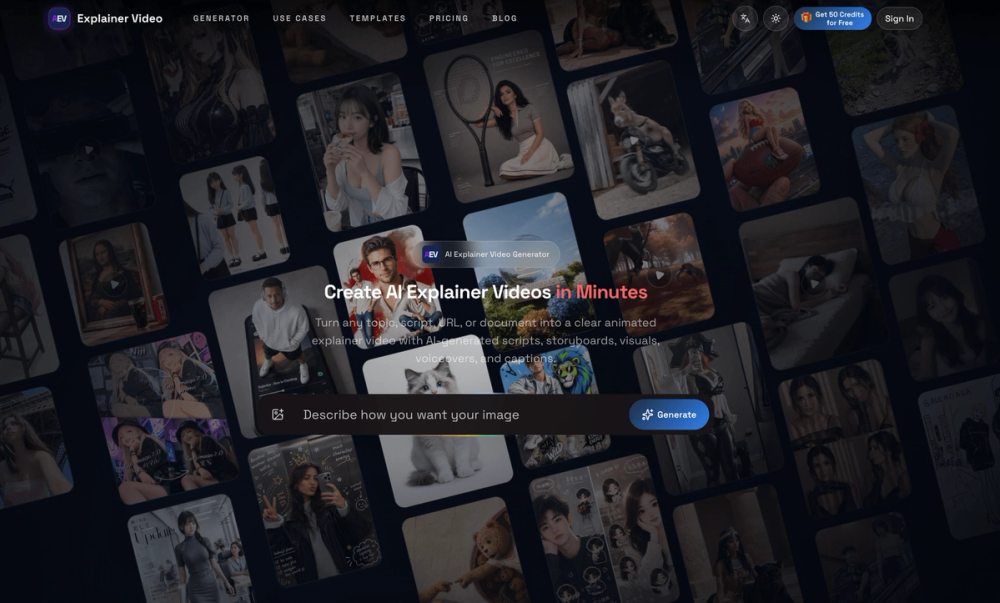
Explainer Video is a browser-based AI video generator for creators, marketers, educators, product teams, and businesses. Start with a topic, prompt, complete script, article URL, or PDF, then build a focused narration and a scene-by-scene storyboard before rendering.
Structure ideas into scenes
The platform helps turn complex information into a story that viewers can follow. Review the order of ideas, the tone, the pacing, and the message before production. Each scene can have its own narration, visual direction, timing, and captions. This gives teams a practical review point between a rough source and a finished video.
Creators can refine the copy, visual, voice, or timing of an individual scene without rebuilding the entire project. That makes feedback easier when a founder, client, educator, subject-matter expert, or sales team requests a change. A scene can be simplified, expanded, replaced, or adjusted while the rest of the video remains intact.
Visual formats and production features
Explainer Video supports teaching-focused illustrations, infographics, whiteboard animation, motion graphics, and other animated styles. Use visuals to explain a product workflow, show relationships between ideas, introduce a lesson, or communicate a marketing message. The platform can add multilingual voiceovers, synchronized captions, background music, and timing that keeps the audio aligned with the storyboard.
Export projects in 16:9, 9:16, or 1:1 formats. Landscape works well for websites, presentations, and standard video platforms. Vertical is useful for mobile-first social content. Square can fit social feeds and compact promotional placements. One structured project can therefore support several distribution channels.
Use cases
For SaaS teams, create product explainers, onboarding videos, feature demonstrations, and customer education. For educators and trainers, turn a lesson, policy, or technical concept into a visual sequence. For marketers, create campaign explainers, product education, and launch content. Founders can communicate a product vision, business model, fundraising story, or sales narrative. Creators can build repeatable faceless video workflows for YouTube and other channels.
The workflow is simple: choose the audience and desired outcome, add a topic or source document, review the storyboard, refine individual scenes, select voice and caption settings, then export in the format that fits the destination. Developers and high-volume teams can also use API-oriented workflows to submit generation tasks, track progress, and manage credit-based production.
Visit https://aiexplainervideo.app to start turning complex ideas into clear animated stories.