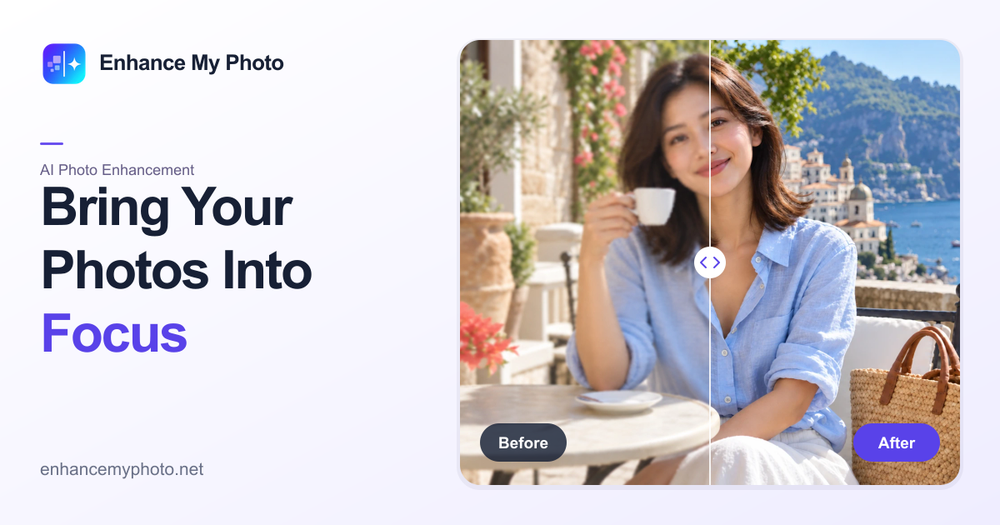
Enhance My Photo is a free online AI-powered photo enhancer designed to significantly improve the quality of your images. This intuitive tool allows users to bring out clearer details, recover lost textures, and enrich colors in various types of photos, including portraits, product shots, landscapes, screenshots, and everyday pictures. The platform emphasizes ease of use, offering a streamlined workflow that requires no signup for initial free enhancements and provides watermark-free downloads.
Key Features:
- AI-Powered Enhancement: Utilizes advanced AI algorithms to intelligently analyze and improve image clarity, detail, and color without complex manual adjustments.
- Scene-Specific Presets: Offers six distinct starting points tailored to different photo types:
- General: For everyday photos, providing illustrative results.
- Portrait: Focuses on enhancing facial features, skin texture, and eyes for natural-looking results.
- Product: Ensures product clarity by protecting object structure and brand details, ideal for e-commerce.
- Scenery: Adds depth and detail to landscapes, improving elements like roof tiles, windows, and water ripples.
- Pets: Defines fur and eyes for clearer, more vibrant pet photos.
- Text: Prioritizes legibility for screenshots, labels, and scanned documents.
- Two Quality Levels: Users can choose between "Flash" for fast, efficient everyday enhancements and "Pro" for generative enhancement that reconstructs missing fine details, with protective processing for portraits, products, and text.
- High-Resolution Output: Supports a maximum output size of 16MP, ensuring enhanced photos retain high quality.
- Multiple Export Formats: Enhanced images can be downloaded in JPEG, PNG, or WEBP formats to suit various needs.
- Preserves Dimensions: Upload originals without resizing and maintain the AI-returned dimensions.
- Simple 3-Step Process:
- Upload Safely: Images are checked for type, dimensions, pixels, and ownership.
- Process: The task moves from submission to processing automatically.
- Compare and Download: Review before-and-after results with a comparison slider and download the enhanced photo.
- No Signup Required for Free Use: Visitors can try the enhancer and download results without creating an account. Signed-in users benefit from daily free credits and task history retention.
- Batch Processing: Available for paid subscriptions or credit packs, allowing for efficient enhancement of multiple photos.
Use Cases:
- Personal Photos: Improve vacation photos, family portraits, and casual snapshots.
- E-commerce: Enhance product images for online stores, ensuring clear details and appealing visuals.
- Professional Photography: Quickly refine portraits, landscapes, and event photos.
- Document Clarity: Make text in screenshots and scanned documents more readable.
Enhance My Photo aims to provide a user-friendly and effective solution for anyone looking to quickly and easily improve their photo quality online, offering both free access and advanced features for more demanding workflows.