Overview
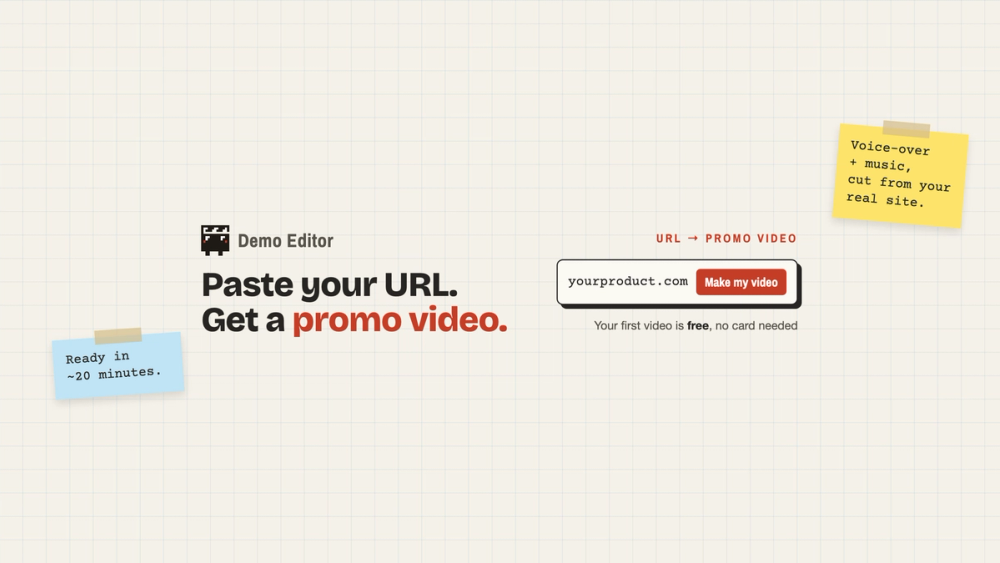
Demo Editor turns your landing page into a promo video. Paste your product's URL, pick a format, and in about 20 minutes you get a finished video with script, voice-over and music, cut from your real site. No screen recording, no timeline, no stock footage. Your first video is free, no card needed.
Key features
- Four formats: teaser (15–30 s), hook (20–40 s), pitch (30–45 s) or demo (about a minute).
- Real screens: built from captures of your actual pages, copy and brand, so it never invents features.
- Storyboard first: the Director plans the video and you correct it in plain words before anything is made.
- Every feed: portrait 9:16, square 1:1 or landscape 16:9, each laid out on its own, not cropped.
- 80+ languages for the voice-over, and you can clone your own voice.
- Behind the login: add one rough screen recording to a pitch or demo and the Director cuts out the stumbles.
- No watermark, plus an API and MCP server for Claude, ChatGPT and Cursor.
Use cases
- Launch videos for Product Hunt, X and Hacker News
- A demo video on your landing page
- Vertical clips for TikTok, Reels and Shorts
- App Store and Google Play promo videos (store links work too)
- Feature announcements and other-language versions
Getting started
Paste your URL at demoeditor.com, sign up, pick a format and sizes, review the storyboard, and download the video.
Pricing & Plans
One-time video packs, no subscription. First video free. Launch: $49 for 4 videos. Max: $79 for 7 videos with 1 custom voice. Ultra: $169 for 16 videos with 2 custom voices.