LogoToolFame
  • Category
  • Blog
  • Pricing
  • Submit
LogoToolFame

Newsletter

Join the Community

Subscribe to our newsletter for the latest news and updates

LogoToolFame

ToolFame - Popular Online Tools Directory

X (Twitter)
Made with❤️byHyhor
Product
  • Submit
  • Pricing
  • Category
Explore
  • Tag
  • Blog
  • Collection
Contact
  • Twitter
  • Email
More
  • About Us
  • Privacy Policy
  • Terms of Service
  • Sitemap

Quick Links - Explore more trending tools & products

  • AI Tools
  • Video Tools
  • Audio Tools
  • Image Tools
  • Animation Tools
  • 3D Tools
  • Writing Tools
  • Data Analysis Tools
  • Social Media Tools
  • Productivity Tools
  • Content creation Tools
  • Directories Tools
  • Development Tools
  • Freelancer tools Tools
  • Boilerplates Tools
  • Remote work Tools
  • Design Tools
  • Chatbot Tools
  • Daily Life Tools
  • Community Tools
  • Legal Tools
  • Finance Tools
  • E-commerce Tools
  • Marketing Tools
  • SEO Tools
  • Health Tools
  • Research Tools
  • Education Tools
  • Translation Tools
  • Monitoring Tools
  • Management Tools
  • Inspiration Tools
Copyright © 2026 All Rights Reserved.
  1. Home
  2. Category
  3. ConvertPDF

ConvertPDF

Merge, split, compress, convert to Word or JPG, and sign PDFs online, free, with no installation or sign-up. Runs on our own servers; files are delete...

Visit Website
image of ConvertPDF
Visit Website

Introduction

Back

Information

  • Publisher
    Primož CigojPrimož Cigoj
  • Websiteconvertpdf.io
  • Published date2026/09/25

Categories

  • Productivity
  • Content creation
  • Data Analysis

Tags

  • Web
  • Free
  • AI
  • English Supported
  • Professional
image of ProductFame
Sponsored
MarketingSEODirectories

ProductFame

ProductFame is a product launch platform that helps users discover popular products and helps founders gain real feedback, early traffic, and valuable...

More Products

image of Find Right Plugin
Productivity
Visit Details

Find Right Plugin

Details

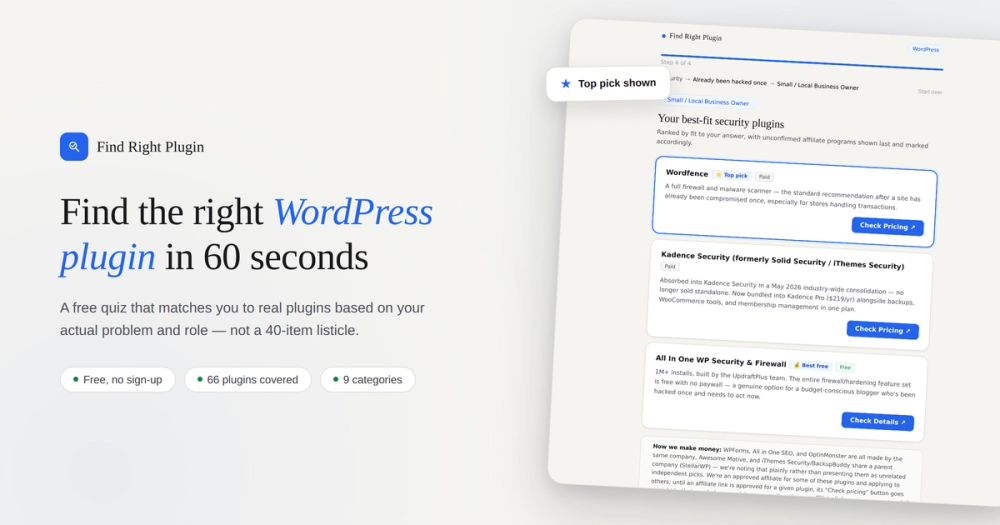
Find Right Plugin is a free quiz that matches you to WordPress plugins based on your actual problem and role — not a generic top-10 list.

WebFree
image of Simulateur calcul TRI immobilier
FinanceData AnalysisProductivity
Visit Details

Simulateur calcul TRI immobilier

Details

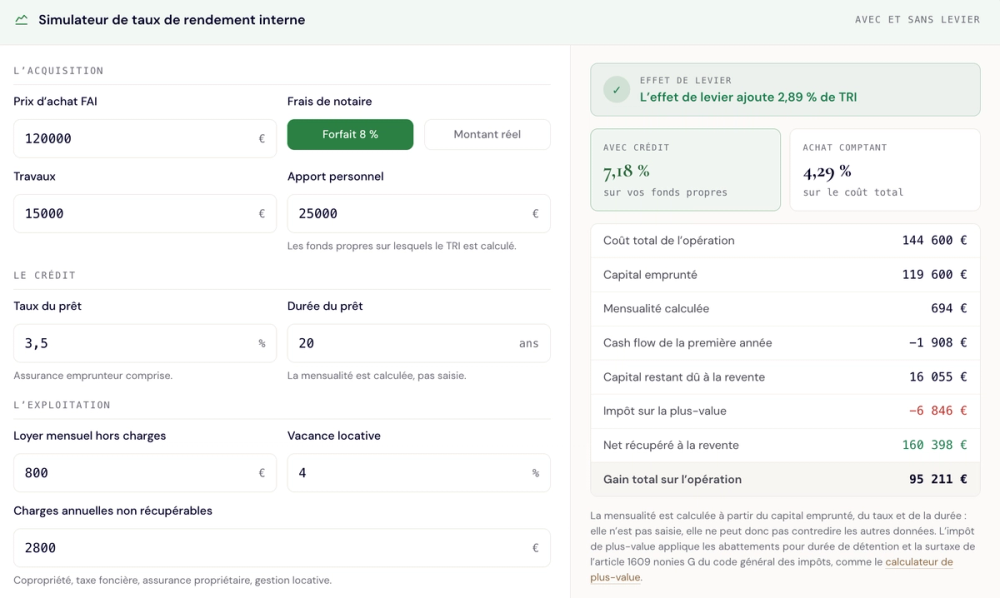
Calculez le TRI de votre investissement locatif avec et sans effet de levier : crédit, fiscalité des loyers, impôt de plus-value à la revente. Gratuit...

FreeWebBeginnerProfessionalAdvanced
image of Seedance 3.0
AIVideoContent creation
Visit Details

Seedance 3.0

Details

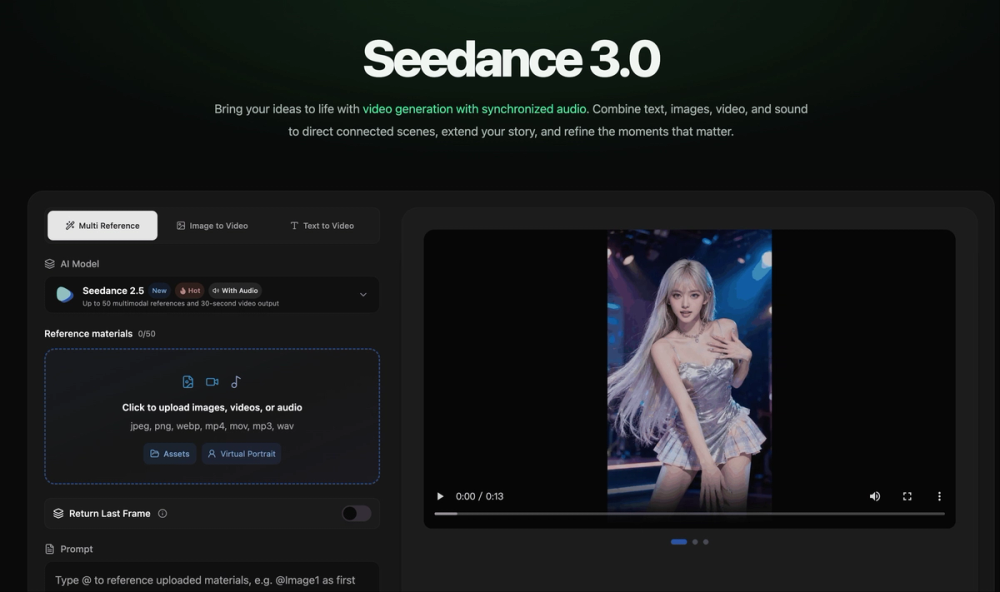
Seedance 3.0 combines powerful AI video generation, multimodal understanding, synchronized audio, and longer storytelling in one creative model.

AIWebPaidProfessionalEnglish Supported

ConvertPDF is a comprehensive online platform offering a wide array of tools for managing and manipulating PDF documents. Designed for simplicity and efficiency, it allows users to perform various PDF tasks directly in their browser without requiring any software installation or account registration for basic functionalities. The service emphasizes user privacy and data security, processing all files on its own servers and deleting them within one hour, ensuring no third-party AI or conversion APIs are involved, and documents never become training data.

The platform provides a "calm place" for every PDF task, streamlining document workflows through a straightforward three-step process: pick the task, add your files, and download the result. This user-friendly approach makes complex PDF operations accessible to everyone.

Key features and use cases include:

  • Organization Tools:

    • Merge PDF: Combine multiple PDF documents into a single file, allowing users to arrange pages in a desired order. Ideal for compiling reports, presentations, or related documents.
    • Split PDF: Divide large PDFs into smaller, manageable parts or extract specific pages. Useful for sharing only relevant sections of a document.
    • Organize Pages: Visually rearrange, reorder, or delete pages within a PDF document.
    • Rotate PDF: Correct the orientation of pages, fixing sideways scans or landscape content.
    • Remove Pages: Easily delete unwanted pages like blank scans, cover pages, or appendices.
    • Extract Pages: Select and pull out specific pages to create new, focused PDF documents.
  • Optimization Tools:

    • Compress PDF: Reduce file size for easier emailing or uploading, with a clear indication of bytes saved.
    • Repair PDF: Attempt to fix damaged PDF files that viewers report as corrupted.
  • Conversion Tools (to PDF):

    • Word to PDF: Convert Microsoft Word documents to PDF for universal viewing and printing consistency.
    • Excel to PDF: Transform spreadsheets into non-editable PDF format for secure sharing.
    • PowerPoint to PDF: Convert presentations to PDF, ensuring they open on any device without specific software.
    • JPG to PDF: Combine multiple JPG images (e.g., photos of receipts, scanned pages) into a single PDF.
    • PNG to PDF: Convert PNG images (screenshots, charts) into a clean PDF, maintaining sharp edges.
  • Conversion Tools (from PDF):

    • PDF to Word: Extract text and formatting from PDFs into an editable Word document.
    • PDF to JPG: Convert each PDF page into a JPG image for use in slides, websites, or chats.
    • PDF to PNG: Convert PDF pages to PNG for high-quality images where JPG artifacts are undesirable.
    • PDF to Text: Extract plain text from PDFs, ready for pasting, searching, or scripting.
    • OCR PDF: Convert scanned documents or image-based PDFs into searchable and selectable text without altering the visual layout.
    • PDF to PDF/A: Convert PDFs to the archival standard PDF/A, ensuring long-term accessibility and correct rendering.
  • Editing Tools:

    • Add Page Numbers: Insert page numbers into documents, especially useful for merged files.
    • Add Watermark: Apply text or image watermarks to documents, e.g., to mark drafts.
  • Security Tools:

    • Protect PDF: Encrypt PDFs with a password to restrict access.
    • Unlock PDF: Remove password protection from PDFs when the password is known.
    • Sign PDF: Electronically sign documents directly online, eliminating the need for printing and scanning.

A unique selling point is its integration with AI agents like ChatGPT and Claude. Users can attach a PDF within these AI platforms and instruct them to perform tasks like compressing, merging,...


Featured on ProductFameFeatured on aitoolfame.comFeatured on saasfame.comFeatured on toolfame.comFeatured on directoryfame.comFeatured on findly.toolsFeatured on Startup FameListed on Turbo0Featured on Dofollow.ToolsFazier badgeFeatured on Twelve Tools