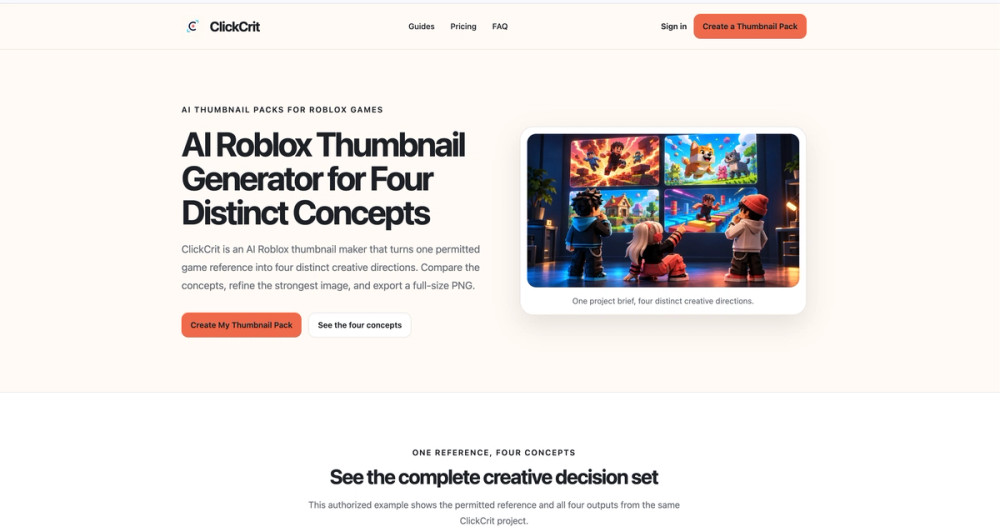
ClickCrit is an independent AI creative toolkit for Roblox developers. It helps creators move from an idea to a polished thumbnail or a practical interface direction, with outputs designed to be refined and used in Roblox Studio. ClickCrit is not affiliated with or endorsed by Roblox Corporation. Roblox Thumbnail Generator Create four distinct thumbnail concepts from a prompt and permitted reference images. Compare different visual directions, choose a favorite, and export the selected thumbnail as a 1920 × 1080 PNG for a Roblox experience page. Roblox GUI Maker Build visual directions for common game interfaces, including Shops, Inventories, Rewards, Main Menus, HUDs, and Settings. Generate a coordinated set of interface assets, use editable native text for labels, and refine the result for your game’s style. Studio-ready exports Export PNG assets with a manifest and import guide. The Studio Pack can also include Luau snippets to help organize and connect generated assets in Roblox Studio. Review and adapt exported files to fit your project before publishing. Who it is for ClickCrit is made for Roblox creators, indie game developers, and small teams who want to explore visual concepts without starting every asset from a blank canvas. Use it to generate thumbnail options, plan a consistent UI, and prepare materials for further editing in Studio. Visit clickcrit.com to try the tools and see current plans and usage details. The tools can assist with production, while final creative choices and in-game implementation remain under your control.
Newsletter
Join the Community
Subscribe to our newsletter for the latest news and updates