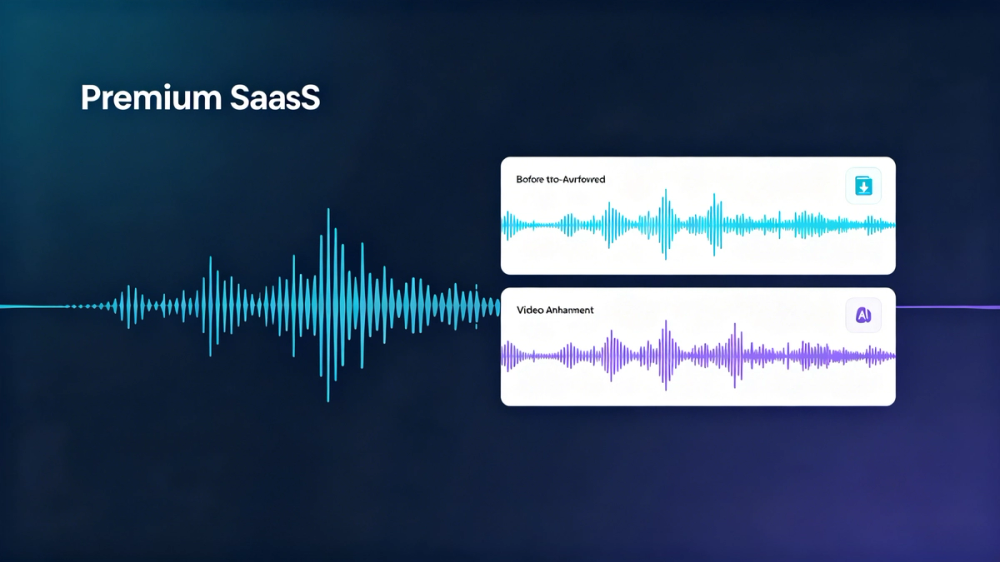
CleanVideoAudio is an intuitive online tool designed to significantly enhance the audio quality of your videos, making speech clearer and easier to understand. It specializes in removing unwanted background noise, boosting low volume, and clarifying muffled voices in video recordings. The platform supports popular video formats including MP4, MOV, and WebM, allowing users to upload their files and receive a professional audio cleanup without needing any video editing skills or complex software.
The service offers a unique "preview before paying" model, providing a free 30-second cleaned audio preview of your uploaded video. This allows you to assess the improvement quality before committing to a full export. Key features include automatic background noise reduction (targeting fan hum, room tone, laptop noise, and soft distractions), volume normalization to smooth out uneven voice levels, and speech enhancement to improve clarity for dull or covered voices. The tool is specifically optimized for speech-focused content, ensuring that the primary voice in your video stands out.
CleanVideoAudio is ideal for a wide range of creators and professionals. Its primary use cases include improving audio for YouTube videos, online courses, screen recordings, webinars, interviews, and user-generated content (UGC) ads. It effectively addresses common audio issues such as talking-head videos with ambient noise, online course recordings with low volume, screen recordings with quiet voiceovers, and interviews with inconsistent speaker volumes. While highly effective for light noise and mild muffling, it's important to note that the tool may not fully fix severe issues like heavy wind noise, loud background music, overlapping speakers, clipped/distorted audio, or extreme echo.
The process is straightforward:
- Upload your video: Simply drag and drop your MP4, MOV, or WebM file, or click to upload. The maximum file size supported is 500MB.
- AI improves the audio: The platform's AI technology automatically reduces light noise, balances volume, and enhances speech clarity.
- Preview the result: Listen to a 30-second cleaned preview to hear the improvements.
- Download a cleaned MP4: If satisfied with the preview, you can then choose a pricing plan (Short Video up to 5 minutes for USD 3, Standard Video up to 20 minutes for USD 5) and download the full video with enhanced audio. The original video track is preserved whenever possible, and there are no watermarks on paid exports.
Privacy and security are paramount. CleanVideoAudio explicitly states that uploaded videos and audio are not used to train AI models. All files are processed automatically by the system, not manually reviewed, and are subject to strict deletion policies: uploaded files are deleted after 1 day, and processed results after 3 days. Payments are handled securely by a trusted third-party provider, ensuring your card details are not stored on the platform. This commitment to privacy and a transparent, pay-as-you-go pricing model makes CleanVideoAudio a reliable choice for enhancing video audio online.