Circle Crop Image — Free Online Circle Photo Cropping Tool
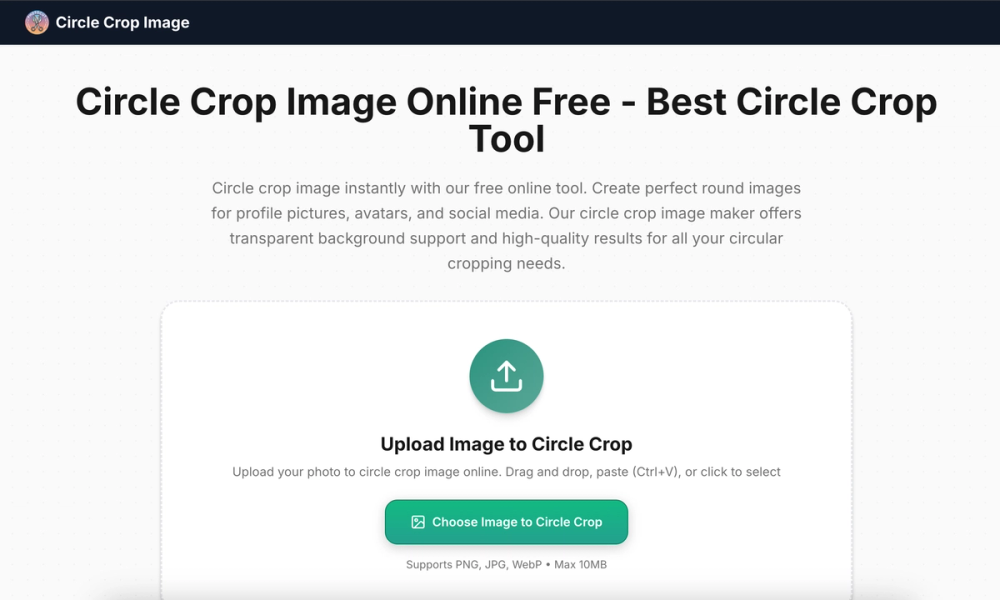
Circle Crop Image is a free browser-based tool designed to crop any photo into a perfectly round shape. It provides a fast, private, and intuitive way to create circular images for profile pictures, avatars, logos, social media graphics, and more — all without uploading your files to a server.
Overview
Have you ever needed a round profile picture but couldn't figure out how to crop it properly? Most image editors bury circular cropping behind complex menus and layers. Circle Crop Image strips away the complexity and gives you a single-purpose tool that does one thing exceptionally well: turning rectangular photos into perfect circles.
The entire process happens in your browser using HTML5 Canvas. Your images are never uploaded to any server, which means complete privacy and zero waiting for upload/download cycles. Open the page, drop your image, adjust the circle, and download — it takes less than 10 seconds for most users.
Key Features
- Instant Circular Cropping: Upload any image and get a perfectly round crop in seconds
- Drag-and-Resize Controls: Position and scale the crop circle exactly where you want it
- Transparent PNG Output: Every download comes with a transparent background, ready to layer on any design
- Multiple Input Formats: Accepts JPG, PNG, and WebP images up to 10MB
- 100% Client-Side Processing: Images never leave your browser — complete privacy guaranteed
How It Works
- Visit the website: Go to circle-crop-image.net in any modern browser
- Upload your image: Click the upload area or drag and drop your photo
- Adjust the crop: Use the circular overlay to position and resize your crop area
- Download the result: Click the download button to save your circular image as a transparent PNG
The entire workflow is designed to minimize clicks and maximize speed. There are no settings pages, no accounts to create, and no complicated options to configure.
Use Cases
Circle Crop Image serves a wide variety of creative and practical needs:
Profile Pictures and Avatars
Social media platforms, messaging apps, and forums often display profile pictures as circles. Rather than uploading a square photo and letting the platform crop it unpredictably, you can pre-crop your image into a perfect circle with a transparent background. This gives you full control over what appears in the final result.
Social Media Graphics
Round images stand out in feeds dominated by rectangular content. Use circular crops for Instagram stories, Facebook posts, Twitter headers, and Pinterest pins. The transparent background means you can easily composite circular photos onto colored backgrounds or patterns.
Featured Tools
Beyond the core circle cropping functionality, the website offers several specialized tools:
Avatar Cropper
The flagship tool for creating perfectly circular image crops. Features include adjustable crop area, zoom controls, and transparent PNG download.
PFP Cropper
A general-purpose image cropping tool that supports multiple aspect ratios and freeform cropping. Useful when you need crops in shapes other than circles.
Getting Started
Ready to crop your first image into a circle? Visit circle-crop-image.net and upload any photo to get started. The process takes seconds, and you will have a professional-looking circular image ready for whatever project you are working on.
Whether you are a social media manager preparing profile pictures, a designer creating circular assets, or someone who just needs a round photo for a presentation, Circle Crop Image provides the fastest path from rectangular image to perfect circle.