Overview
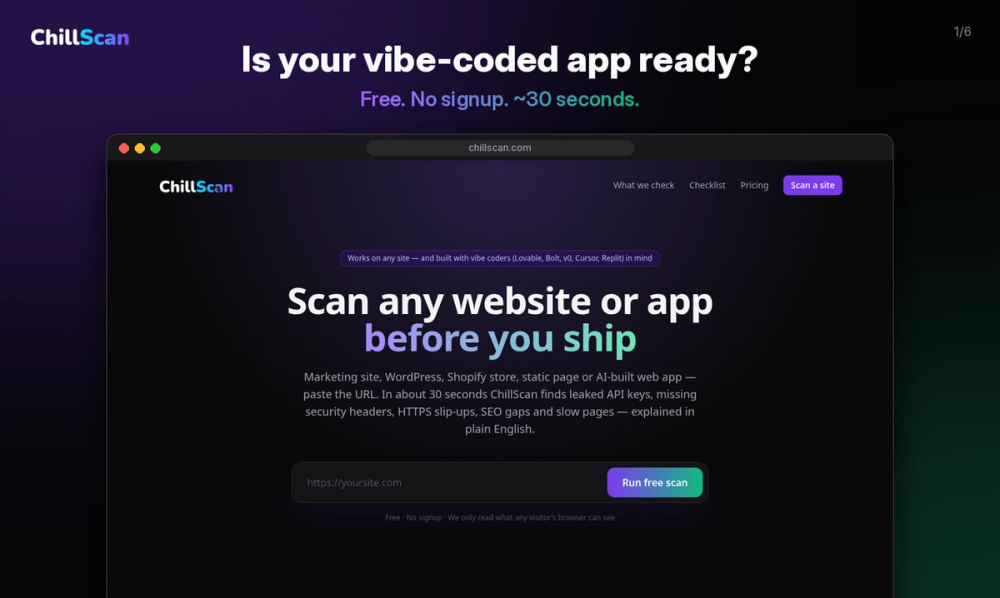
ChillScan is a launch checklist scanner for any website or app. You paste a URL, and in about 30 seconds ChillScan reads your live site the same way any visitor's browser would, then hands you a short, plain-English list of what to fix before you launch. It looks for leaked API keys and secrets in your client-side code, missing security headers, HTTPS and redirect problems, gaps in your SEO basics, and performance red flags that slow your pages down.
ChillScan works on any site: a marketing page, a WordPress blog, a Shopify store, a static landing page or a full web app. It is especially useful for vibe-coded apps built with AI builders such as Lovable, Bolt, v0, Cursor and Replit. These tools make shipping an app ridiculously easy, but they also make it easy to ship an OpenAI, Stripe or Supabase key inside your JavaScript bundle, or to go live without the security headers and SEO basics that a seasoned developer would add by habit. ChillScan exists to catch those slips before your users, your customers or an attacker do.
Key Features
- About 30 seconds per scan. Paste any live URL and get results almost immediately. There is nothing to install and nothing to configure.
- Leaked API key and secret detection. ChillScan inspects the JavaScript and other assets your site sends to the browser and flags exposed secrets, including OpenAI keys, Stripe secret keys, Supabase service_role keys and other common credential formats.
- Security header checks. It checks for important headers such as Content-Security-Policy (CSP), Strict-Transport-Security (HSTS), X-Frame-Options, X-Content-Type-Options and Referrer-Policy, and explains what each one protects against.
- HTTPS and redirect checks. It confirms your site is served over HTTPS, that plain HTTP redirects properly and that your redirect chain is clean.
- SEO basics. It reviews page titles, meta descriptions, sitemap and robots.txt, and social preview tags so your launch looks good on Google and when people share your link on X, LinkedIn, Slack or Discord.
- Performance red flags. It highlights obvious speed problems, such as heavy pages and slow responses, that make visitors bounce.
- Plain-English results. Every finding comes with a short explanation of what it means and why it matters, written for makers rather than security specialists.
- Copy-paste AI fix prompt. With the Deep Scan, ChillScan writes a ready-made prompt you can paste into Cursor, Claude or your favourite AI coding assistant so it can fix every issue in one go.
- Free, no signup. The free scan needs no account and no email address.
Getting Started
- Go to chillscan.com.
- Paste the URL of your live website or app.
- Wait about 30 seconds while ChillScan reads your site.
- Read your top findings in plain English.
- Fix the issues yourself, or upgrade to the Deep Scan to see every finding with evidence and get a copy-paste AI fix prompt.
That is it. There is no account to create, no browser extension to install and no code to add to your site.
Pricing & Plans
ChillScan is freemium with a one-time upgrade and no subscription.
- Free scan: $0. Unlimited scans, no signup, and your top three findings.
- Deep Scan: $12 one-time. Every finding with supporting evidence, plus a copy-paste AI fix prompt so Cursor or Claude can fix everything in one go.
There are no monthly fees and nothing to cancel.