BudgetPixel AI
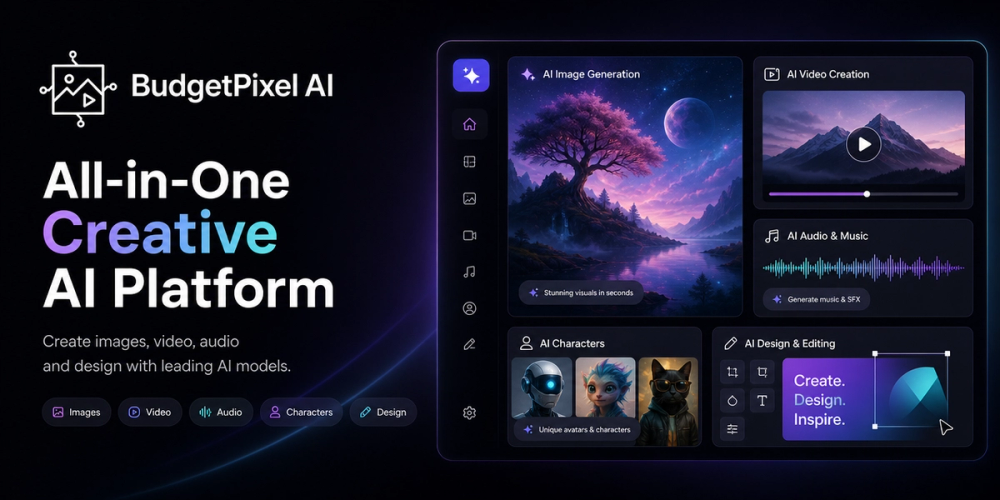
BudgetPixel AI is an all-in-one generative media workspace for creators, designers, marketers, teams, and developers. It combines image generation, video generation, music, speech, editing, design, and automation in one platform. Users can explore leading AI models through a consistent interface and shared credits instead of managing a separate product for every media type.
Connected creative workflow
A project can start with a prompt, an image, a video clip, or a visual reference. Users can generate concepts, compare results, refine the strongest direction, and prepare finished assets without rebuilding the work elsewhere. This supports quick experiments and repeatable production for campaigns, social channels, products, presentations, and client projects.
Images and design
The image workshop supports text-to-image and image-to-image creation across a broad model library. References can guide subject, composition, color, or style. Upscaling, background removal, enhancement, and editing help turn generations into useful assets for advertisements, product pages, illustrations, thumbnails, and social posts.
Users can train custom LoRAs for recurring subjects or styles. An AI-powered design canvas helps arrange generated assets into finished compositions. When a layout needs another element, creators can produce it inside the same workspace instead of exporting everything to a separate app.
Video and Studio
BudgetPixel AI generates motion from prompts, still images, and references. Creators can explore models for realistic scenes, stylized motion, product visuals, promotional clips, transitions, and B-roll. Image and video tools work together, so a user can create a key frame, animate it, and refine the result in one workspace.
BudgetPixel Studio adds practical creator workflows. Long recordings can become captioned short clips, while thumbnail tools use real frames from source footage. Users can add B-roll, clean speech, and refine timing in a multi-track editor. These workflows help podcasters, educators, YouTubers, marketers, and founders turn one recording into multiple assets.
Music and speech
Music and speech tools let creators develop sound alongside visuals. Generate narration, voice content, and music for short videos, tutorials, presentations, explainers, and creative concepts without leaving the platform.
Developers and teams
BudgetPixel AI provides REST API and MCP access. Developers can connect generation to applications, internal tools, automated content pipelines, and agent workflows while using the same model ecosystem and credits. Teams can automate media preparation, create campaign variations, add creative features to a product, or let an AI assistant call generation tools through MCP.
Common use cases
- Generate product images, illustrations, posters, and social graphics.
- Turn prompts or still images into short promotional videos.
- Repurpose podcasts, interviews, and tutorials into captioned clips.
- Create thumbnails from real footage and add relevant B-roll.
- Upscale images, remove backgrounds, and polish creative assets.
- Automate media generation through the REST API and MCP.
Credits and getting started
Users can begin with a free monthly credit allowance, then choose subscriptions or one-off credit packs as their needs grow. Credits are shared across supported models and tools.
Create an account, select a workshop or focused AI app, choose a model, and describe the desired result. Add a reference for more control, compare variations, and refine the best output with editing or canvas tools. Teams with repeatable needs can move workflows into the API or MCP.
BudgetPixel AI helps users move from an idea to finished images, video, audio, and design assets while reducing tool switching and keeping creative work organized.