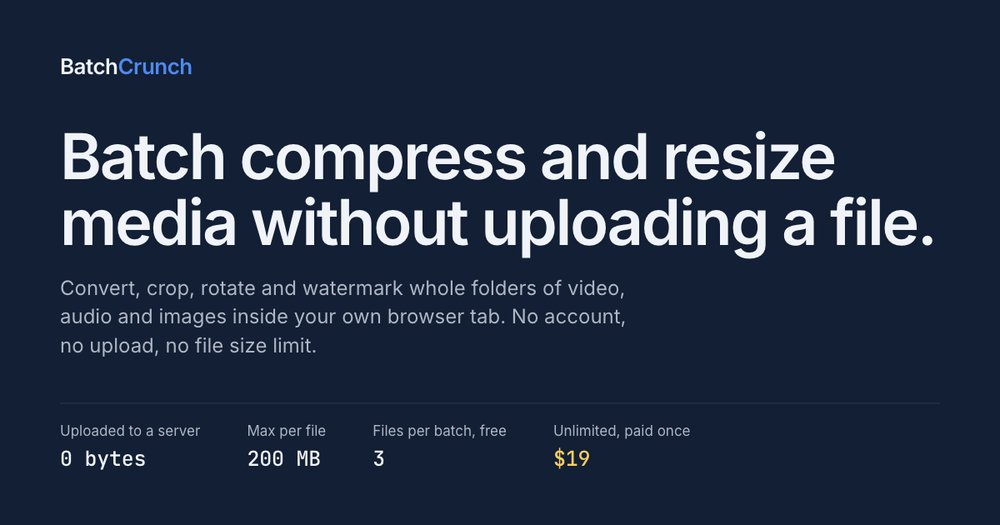
BatchCrunch is an innovative in-browser media processing tool designed for efficient batch operations on video, audio, and image files. It stands out by performing all conversions and manipulations locally on your machine, leveraging FFmpeg compiled to WebAssembly. This unique approach means zero bytes are ever uploaded to a server, ensuring complete privacy, eliminating queues, and removing server-side file size limitations. Users can process entire folders of media without an internet connection once the encoder is cached.
Key features include:
- Comprehensive Media Processing: Batch compress, convert formats, resize, crop, rotate, flip, and apply text or image watermarks to video, audio, and images.
- Privacy-First Design: All operations occur within your browser tab; no files are sent to external servers. This can be verified by monitoring network activity or even disconnecting from the internet.
- No Uploads, No Limits: Experience no queues, no server size restrictions, and the ability to process hundreds of files with consistent performance, limited only by your browser's memory.
- Cost-Effective: The tool offers a free tier for up to 3 files per batch, with an unlimited version available via a single, one-time payment of $19, avoiding subscriptions.
- Pre- and Post-Processing Previews: Get an estimated result before processing and an on-device preview after each file finishes, ensuring desired outcomes.
- Batch-Oriented Workflow: Specifically designed for processing multiple files simultaneously, focusing on tasks that apply to a whole folder at once, such as consistent output names. It deliberately avoids single-file editing features like timelines, trimming, or merging.
BatchCrunch is ideal for content creators, marketers, and anyone needing to quickly and privately process large volumes of media files without the overhead of cloud services or complex desktop software installations. Its emphasis on local processing makes it a secure and efficient solution for managing media assets.