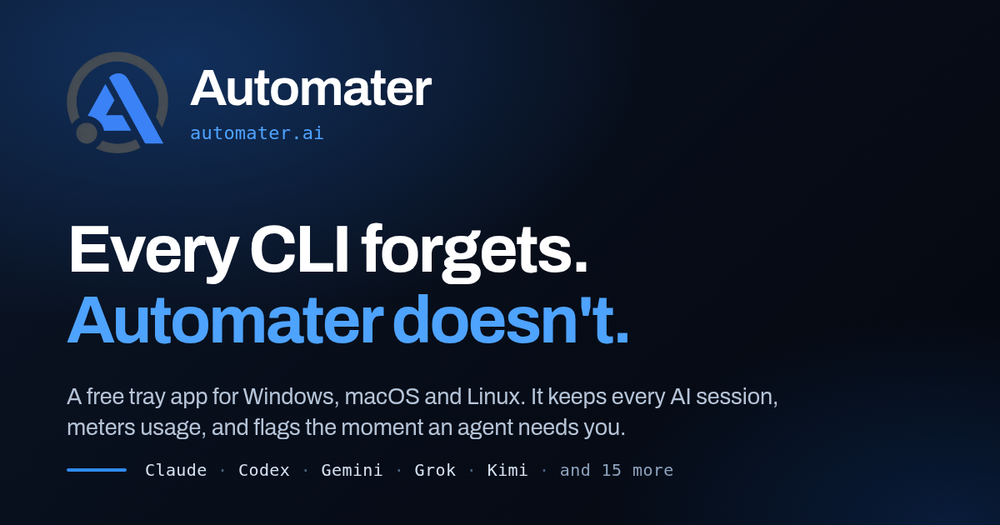
AUTOMATER.ai is a powerful desktop application designed for developers and AI professionals who utilize multiple AI coding assistants and CLIs across Windows, macOS, and Linux. It addresses the common challenges of managing disparate AI sessions, monitoring agent activity, and tracking usage across various providers.
The core offering, AUTOMATER.ai Lite, is a free, no-account, no-setup application that provides a unified control center for your AI tools. Key features of Lite include:
- One Searchable Library: It automatically reads and indexes session transcripts from 41 different AI apps and CLIs, supporting 45 session formats (e.g., Claude Code, Codex, Grok, Kimi, Qwen, Z.ai, OpenCode, Cursor, VS Code). This local library allows for full-text search across all vendors and offers one-click resume for 11 supported CLIs. All data remains on your local disk, ensuring privacy.
- Live Activity Monitoring: The "Needs You" feature provides instant alerts when an AI agent stops and requires your input, such as a question, permission prompt, or approval. This critical visibility is never paywalled.
- Unified Usage Meter: Track token usage and quota headroom across nine different AI providers on a single screen, helping to prevent unexpected overages. Public leaderboard publishing is an optional, free feature.
- Voice Integration: Use the global hotkey (Ctrl Alt Space) for local speech-to-text (Parakeet) to type directly into any window. Kokoro provides spoken feedback on agent status.
- Grok Bots Integration: Seamlessly integrates Grok Bot conversations into the searchable local session library.
- Detected AI Apps: Provides an overview of all installed and currently running AI tools on your machine.
- Customizable Settings: Personalize the panel with themes (Blue, Carbon, Steel), adjust opacity, and reorder or collapse cards.
For users requiring more advanced capabilities, AUTOMATER.ai PRO extends Lite's monitoring with active control and additional tools:
- Operate: Engage with AI engines directly from the tray using "Ask AUTOMATER.ai," which supports screen context and voice input. Manage agent sessions (start, steer, interrupt, stop) and reply inline to running sessions. "Computer Control" allows agents to drive the mouse, keyboard, and applications with user permission. "Camera FX" offers a virtual camera for meetings with outfit and avatar effects.
- Multi-Machine Visibility: "Fleet" (Beta) provides a consolidated view of agents, status, and KPIs across multiple machines. "Integration Health" offers guided repair and diagnostics. "Advanced Attention" provides richer details for "Needs You" flags, including latency diagnostics. A "Resource monitor" displays live CPU, memory, and I/O hog scores for running AI apps. The "Live Visualizer" (Beta) maps your codebase and shows agents working on files in real-time.
- Built-in Tools: Access a full terminal, repo and file browser, web browser, and markdown viewer directly within the AUTOMATER.ai panel. "Pop-out mini-apps" allow individual cards to be detached into standalone windows.
- AI News & Alerts: Curated AI news, incident, and release alerts for your detected tools, along with AUTOMATER.ai Intel field guides.
- Cloud Voice: Offers cloud-based speech-to-text and text-to-speech when local machine resources are constrained.
AUTOMATER.ai is built for local control, ensuring that your data remains on your machine unless explicitly opted into cloud services. It supports Windows x64, macOS on Apple silicon, and Linux x86_64 (AppImage or .deb), with signed installers and verified updates. The platform aims to centralize and streamline the experience of working with a diverse array of AI development tools, preventing lost sessions, missed agent prompts, and unmanaged resource consumption.