Newsletter
Join the Community
Subscribe to our newsletter for the latest news and updates
ToolFame rating: 9.0/10
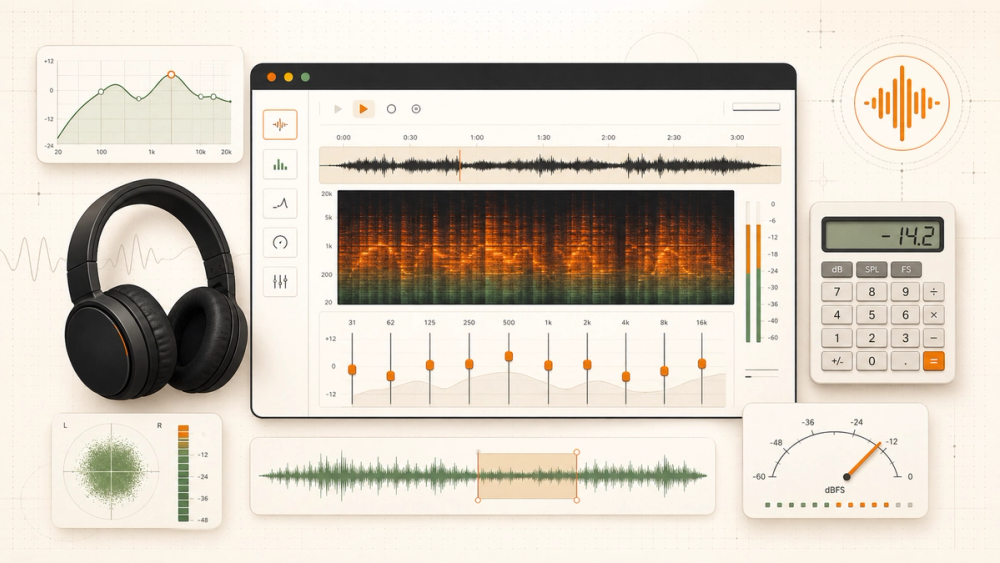
TheAudioStuff is one of the most useful browser-based audio workbenches we have tested. Its strongest idea is not any single calculator: it is the way 16 focused tools sit beside a reference-anchored hi-fi review catalog. You can estimate amplifier headroom, inspect a suspicious “hi-res” file, run an ABX test, model room modes, or export an EQ preset without installing a desktop app.
Our scorecard:
TheAudioStuff is an independent audio publication and browser-tool suite. Its masthead identifies Jakub Charkiewicz as founder and lead reviewer, dated May 2023, and Bastien Beauchamp as a reviewer who joined in April 2026. The publication says every hardware review uses a minimum of two weeks of daily listening, compares products against a published reference list, and discloses loaner units.
The site has two connected halves:
That combination gives the site a clearer product identity than a collection of isolated calculators. A user can estimate the power a headphone needs and then move directly into the site's amplifier reviews, or use its sound-signature quiz before browsing products with similar tuning.
The official tools overview says every tool runs in the browser with the Web Audio API and client-side JavaScript. For the tools that accept audio files, including the ABX Blind Test and FLAC & Hi-Res Checker, the site says files are decoded locally into browser audio buffers and are not sent to a server.
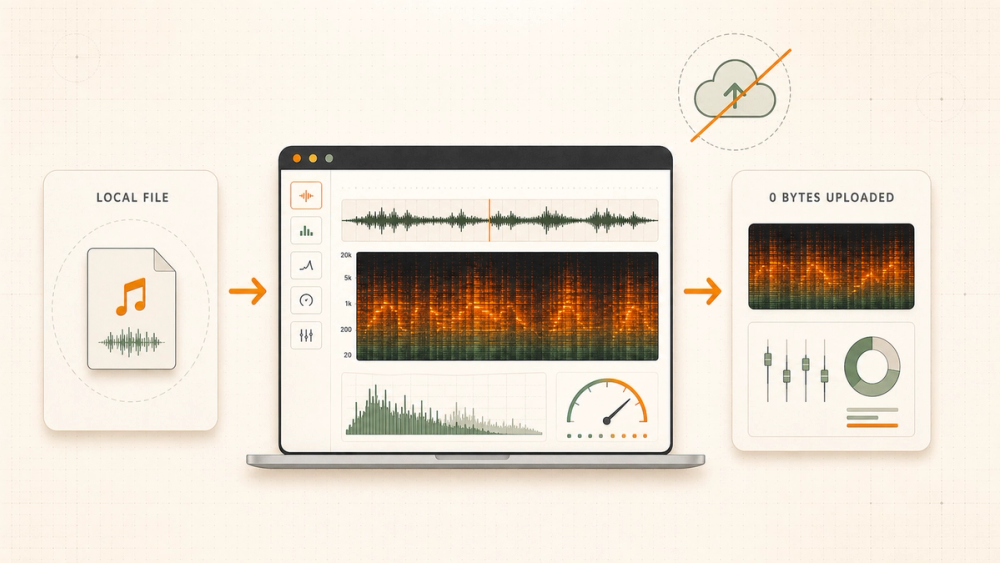
This architecture has three practical benefits:
The claim should still be read precisely. “Runs in your browser” does not make a browser a laboratory-grade audio interface. Playback can still pass through the operating system mixer, output hardware, amplifier, headphones, speakers, and room. Those variables matter whenever the result depends on physical sound rather than pure arithmetic.
The official catalog groups the suite into six jobs rather than presenting 16 unrelated widgets. That organization is sensible, so this review uses the same functional view.
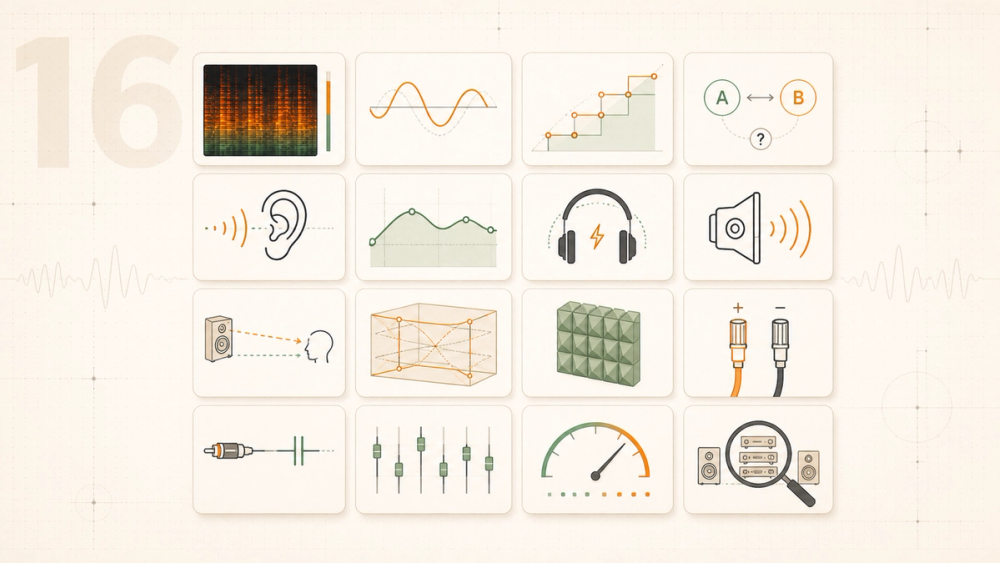
ABX Blind Test provides six built-in synthetic pairs or lets you load two local files. The site describes the playback as level-matched and sample-accurate, reports a p-value, and can generate a shareable certificate. This is the right tool when you want to test whether a perceived difference survives randomization.
EQ Ear Training Game covers frequencies from 20 Hz to 22 kHz, offers five training modes, adapts difficulty, tracks scores, and creates a shareable Golden Ear Rating.
Sound Signature Quiz uses blind A/B choices over royalty-free music. It tests preferences for bass, mids, treble, reverb, dynamics, even-harmonic warmth, and stereo width, then summarizes the result in plain English.
Online Graphic Equalizer is a real-time 10-band EQ for included music or a local file. Its most useful feature is export: the site lists Equalizer APO, AutoEQ, Wavelet, and Poweramp preset formats.
Safe Headphone Volume Calculator estimates output SPL, WHO-based safe listening time, and accumulated daily dose from headphone sensitivity, impedance, source voltage, and volume position. Treat the result as an estimate unless the complete playback chain has been measured; a software volume percentage alone is not a calibrated SPL reading at the ear.
Online Tone Generator produces sine waves plus white, pink, brown, blue, and violet noise. It also includes sweeps, channel tests, and polarity checks. Start at a low volume: test signals can be uncomfortable or damaging when played loudly.
FLAC & Hi-Res Audio Checker computes a whole-file FFT frequency spectrum from a local audio file. A hard cutoff around 22.05 kHz in a nominal 96 kHz or 192 kHz file can indicate that a 44.1 kHz source was later upsampled. Lossy codecs can also leave characteristic low-pass cutoffs.
The spectrogram is evidence, not provenance. Ultrasonic energy does not by itself prove that a release came from a true high-resolution master, while a natural recording can contain little useful ultrasonic content. The strongest diagnosis comes from the shape of the cutoff, visible codec artifacts, known source history, and comparison with a trusted release.
Bit Depth Calculator: Digital Volume Loss shows how digital attenuation changes effective bit depth and raises the relative noise floor. It is a clear educational model, though modern floating-point mixers and dither mean real playback chains are more nuanced than the simplest fixed-point example.
Headphone Power Calculator accepts sensitivity in either dB SPL/mW or dB SPL/V, plus impedance, listening target, crest factor, and source voltage. It returns required power, RMS voltage, and peak voltage. The tool also publishes its formulas, which makes its output easier to audit.
For a hypothetical 35-ohm headphone rated at 90 dB SPL/mW, reaching a 110 dB peak requires 100 mW, about 1.87 V RMS, 2.65 V peak, and 75.6 mA peak. This example is intentionally generic: “HIFIMAN Arya” specifications vary by model revision, so the original draft's unlabeled Arya example could have misled readers.
Speaker Wattage Calculator combines sensitivity, distance, room gain, and crest-factor headroom to estimate watts per channel at the listening position.
SPL Distance Calculator estimates sound-pressure level from speaker sensitivity, power, distance, and room gain. It is a useful sanity check, but speaker directivity, boundary placement, multiple sources, and room absorption can move reality away from an inverse-square model.
Room Mode Calculator predicts standing-wave resonances up to 300 Hz and visualizes nodes and antinodes. The current interface includes rectangular, L-shaped, round, and arched or vaulted-ceiling models, plus listener and speaker positioning and bass-trap guidance.
Acoustic Panel Calculator plots a porous absorber's estimated coefficient from 20 Hz to 8 kHz using thickness, flow resistivity, and air-gap depth. It outputs NRC, SAA, and a frequency curve, with presets including Owens Corning 703, Rockwool RW3, GIK 242, and Auralex foam.
These tools answer “what should this geometry or material do?” They do not answer “what did my room actually do?” For measured frequency and impulse responses, reverberation time, distortion, decay plots, and microphone-based analysis, a tool such as Room EQ Wizard with a calibrated microphone remains the appropriate next step.
Speaker Wire Gauge Calculator estimates loop resistance, signal loss, damping-factor change, and a minimum wire gauge from length and load.
Cable Capacitance Calculator has separate line-level and moving-magnet phono modes. It can estimate a cable's -3 dB high-frequency roll-off or add tonearm, interconnect, and phono-stage capacitance against a cartridge manufacturer's recommended load.
These are welcome additions because they convert cable discussions into quantities that can be checked. The inputs still matter: use measured or manufacturer-published resistance and capacitance values rather than assumptions about price or materials.
Help Me Choose: Audio Gear Finder asks four questions — category, budget, sound preference, and use case — then ranks products drawn from TheAudioStuff's scored reviews. It also plots price against score and links every point to the corresponding review.
The finder is useful but bounded by the publication's catalog. It is a navigator for reviewed products, not an exhaustive market database.
Open the FLAC & Hi-Res Audio Checker, load a local file, and inspect the whole-file frequency spectrum. The relevant ceiling is the Nyquist frequency: half the sample rate. CD audio sampled at 44.1 kHz cannot encode frequencies above 22.05 kHz, while a 96 kHz container can extend to 48 kHz.
A sharp horizontal cutoff near 22.05 kHz inside a 96 kHz or 192 kHz container is consistent with upsampling from 44.1 kHz. A lossy source may show a lower cutoff, often around 16–20 kHz, plus banding or missing low-energy regions. Avoid declaring a file “genuine” merely because some energy appears above 22 kHz; noise, processing, and conversion artifacts can also create ultrasonic content.
The Headphone Power Calculator separates average listening level from musical crest factor. That distinction is important. An amplifier that sustains an average level can still clip short peaks in dynamic recordings.
For dB SPL/mW sensitivity, the site's published relationship is:
required mW = 10 ^ ((target SPL - sensitivity + crest factor) / 10)
Voltage then follows from Ohm's law. Because headphone names often survive through several electrically different revisions, copy impedance and sensitivity from the exact model's current specification sheet and make sure the sensitivity unit matches the calculator mode.
TheAudioStuff is broad; several alternatives go deeper in one narrow area.
AudioCheck has an extensive library of equipment checks, hearing tests, generated tones, and blind tests. Many tests use playable audio files, and patrons can download higher-quality WAV versions. It is stronger as a long-running test library; TheAudioStuff feels more like an integrated interactive toolkit connected to current product reviews.
Online Tone Generator is excellent when the job is simply to play or download a tone. Its main generator offers sine, square, sawtooth, and triangle waves, while separate pages cover sweeps, noise, binaural beats, tuning, and more. TheAudioStuff's tone tool sits inside a wider diagnostic workflow, but it does not make this focused alternative obsolete.
amroc is a dedicated room-mode calculator with a deeper acoustics focus. TheAudioStuff is easier to discover alongside power, cable, listening, and review tools; amroc is the specialist option when room modes are the whole task.
Room EQ Wizard is free measurement and analysis software for rooms, speakers, subwoofers, and audio devices. It can capture real responses with a microphone and produce frequency, phase, impulse, decay, reverberation, distortion, and equalization analyses. It requires installation and measurement hardware, but it is the correct comparison point when theoretical room modeling is no longer enough.
When checked on September 2, 2026, TheAudioStuff displayed 68 published reviews, 37 comparisons, and this verdict distribution: 3 Reference, 23 Highly Recommended, 36 Recommended, and 6 Mixed. No product appeared in the Pass tier.
The site's published score bands overlap intentionally:
The overlap lets price, competition, reliability, ergonomics, and context influence the verdict near a boundary. The site's rules say a verdict cannot sit two tiers away from its numerical score, and a review that violates the band rule fails the build.
The absence of a Pass review is observable; the reason is not stated. We therefore removed the original draft's claim that the editors deliberately reject weak products before review. The defensible conclusion is simpler: the current published catalog contains no Pass verdicts.
TheAudioStuff earns its place in an audio enthusiast's bookmarks. The 16-tool suite is free, coherent, privacy-conscious, and genuinely practical, while the review database gives the calculators context that standalone utilities rarely provide.
Its best tools turn vague purchasing or listening questions into inspectable inputs: sensitivity, impedance, crest factor, distance, room dimensions, wire resistance, capacitance, frequency content, and statistical confidence. The tradeoff is that a clean result card can never make uncertain inputs certain. Use the calculators to narrow a problem, then measure the physical system when the decision warrants it.
For quick browser-based diagnosis and learning, TheAudioStuff is excellent. For calibrated room, device, or hearing measurements, pair it with appropriate hardware and specialist software.
Yes. The official tools page says all 16 tools are free, require no account or download, and are intended to remain free.
The site says the ABX test, EQ tools, and FLAC checker process user files locally in the browser and do not transmit them to a server.
Yes. It supports both units and publishes the conversion and power formulas. Always select the unit printed on the exact headphone specification.
Not by itself. It can reveal cutoffs and artifacts consistent with upsampling or lossy encoding, but ultrasonic content alone does not prove source provenance.
The official site says the suite supports modern mobile browsers. Listening tools still depend on the device's audio path and may be easier to use with suitable headphones.